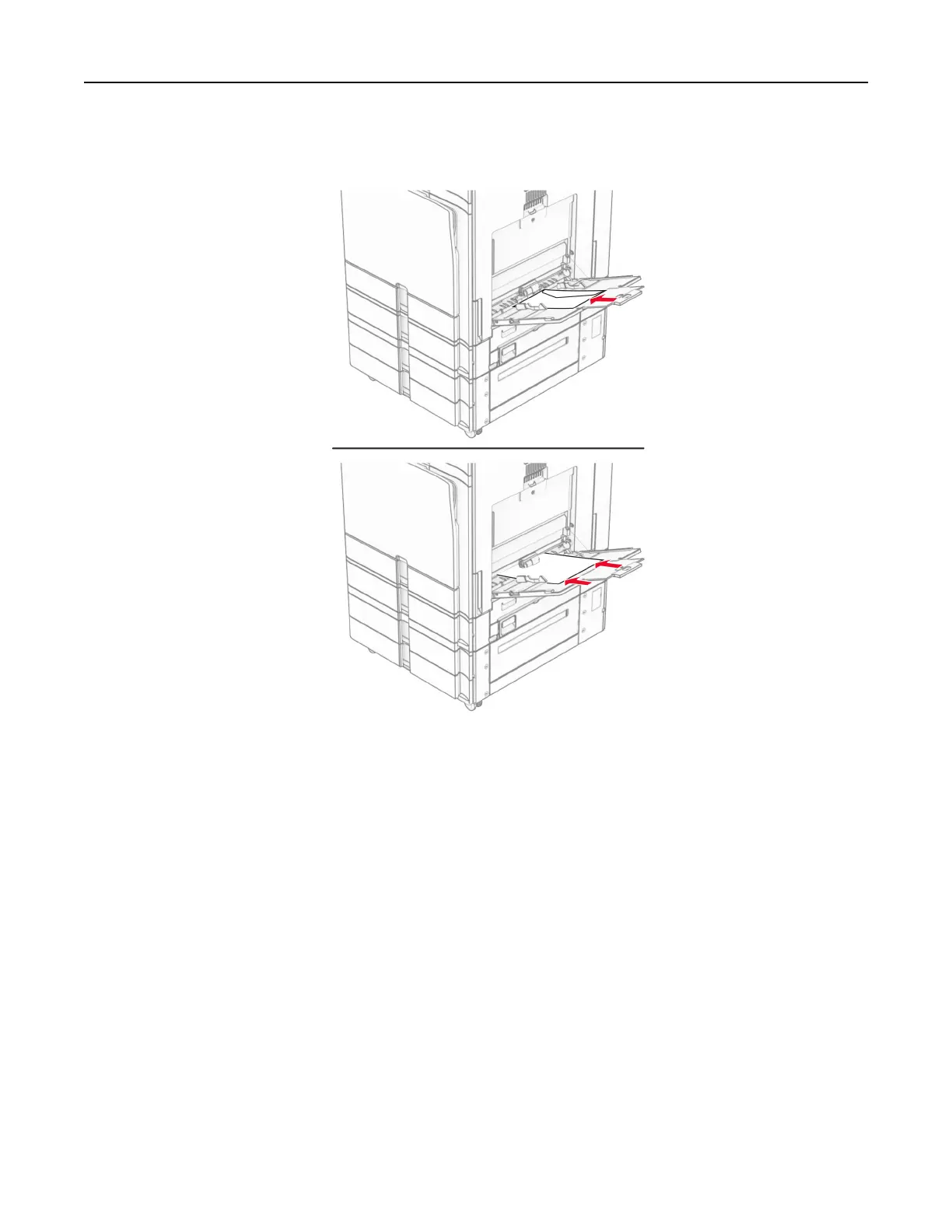
Load envelope with the flap faceup toward the rear of the printer. Load European envelope with the flap
faceup entering the multipurpose feeder first.
Note: When a
finisher
is installed, the printer rotates the pages to 180°.
Linking trays
1 Open a web browser, and then type the printer IP address in the address
field.
Notes:
• View the printer IP address on the printer home screen. The IP address appears as four sets of
numbers separated by periods, such as 123.123.123.123.
• If you are using a proxy server, then temporarily disable it to load the web page correctly.
2 Click Settings > Paper > Tray
Configuration
.
3 Set the same paper size and paper type for the trays that you are linking.
Note: Make sure to load the linked trays with the same paper orientation.
4 Save the settings.
5 Click Settings > Device > Maintenance > Configuration Menu > Tray Configuration.
Set up, install, and configure 93



 To Next Page