Deactivating Voice Guidance
1 In one motion and using one
finger,
slowly swipe left then up on the display until you hear a voice message.
2 Using two fingers, do either of the following:
• Select Voice Guidance, and then select OK.
• Select Cancel.
Note: If the gesture does not work, then apply more pressure.
Pressing the power button or putting the printer in Sleep or Hibernate mode also deactivates Voice Guidance.
Navigating the screen using gestures
Notes:
• Most of the gestures are applicable only when Voice Guidance is activated.
• Use a physical keyboard to type characters and adjust certain settings.
Gesture Function
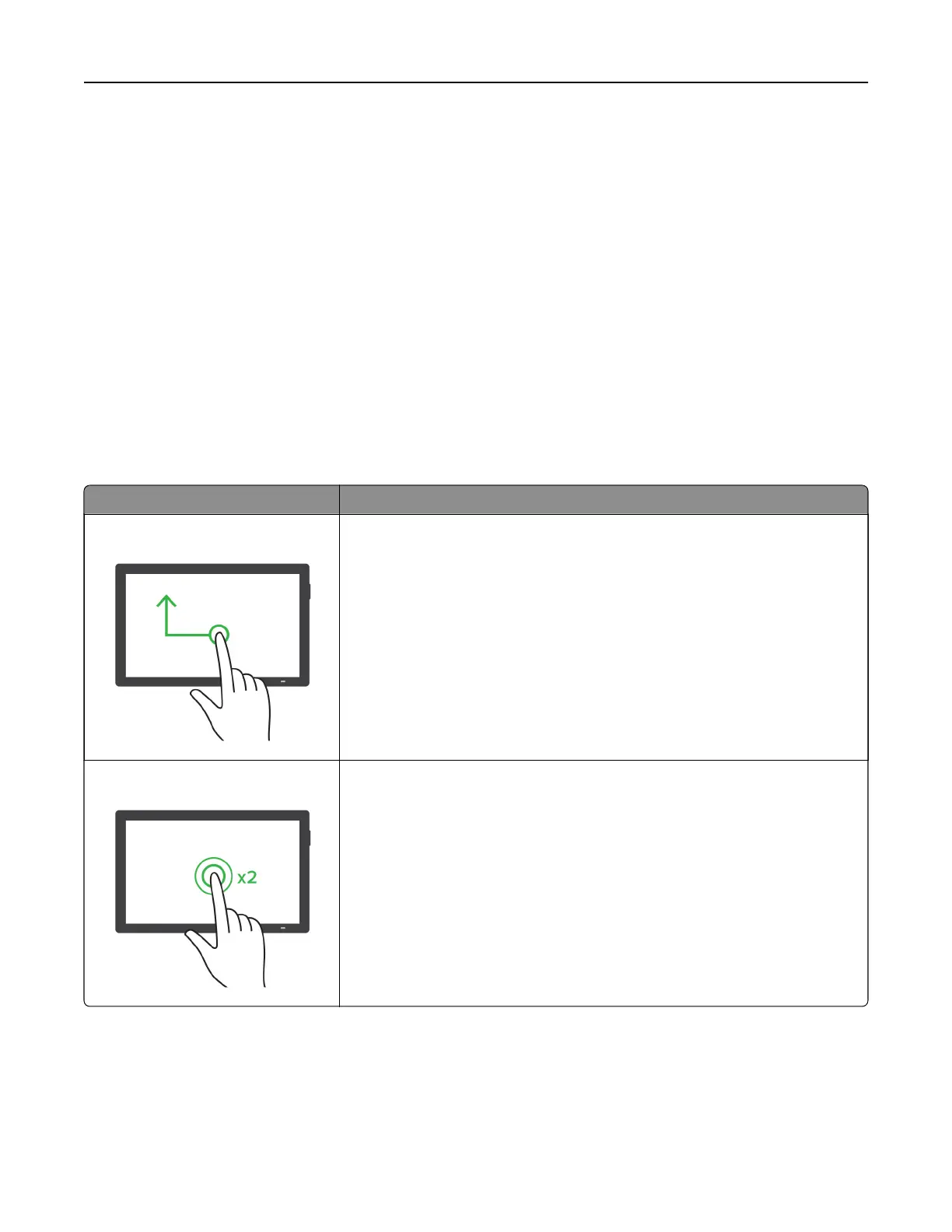
Swipe left then up using one finger
Launch or exit Accessibility mode.
Note: This gesture is also applicable when the printer is in normal mode.
Double‑tap using one finger
Select an option or item on the screen.
Set up, install, and configure 68



 To Next Page