Enabling spoken passwords or personal identification numbers
1 From the control panel, navigate to Settings > Device > Accessibility > Speak Passwords/PINs.
2 Enable the setting.
Setting up the printer to fax
Setting up the fax function using analog fax
Setting up the fax function using analog fax
Notes:
• A fax card must be installed for the printer to use analog fax.
• Some connection methods are applicable only in some countries or regions.
• If the fax function is enabled and not fully set up, then the indicator light may blink red.
• If you do not have a TCP/IP environment, then use the control panel to set up fax.
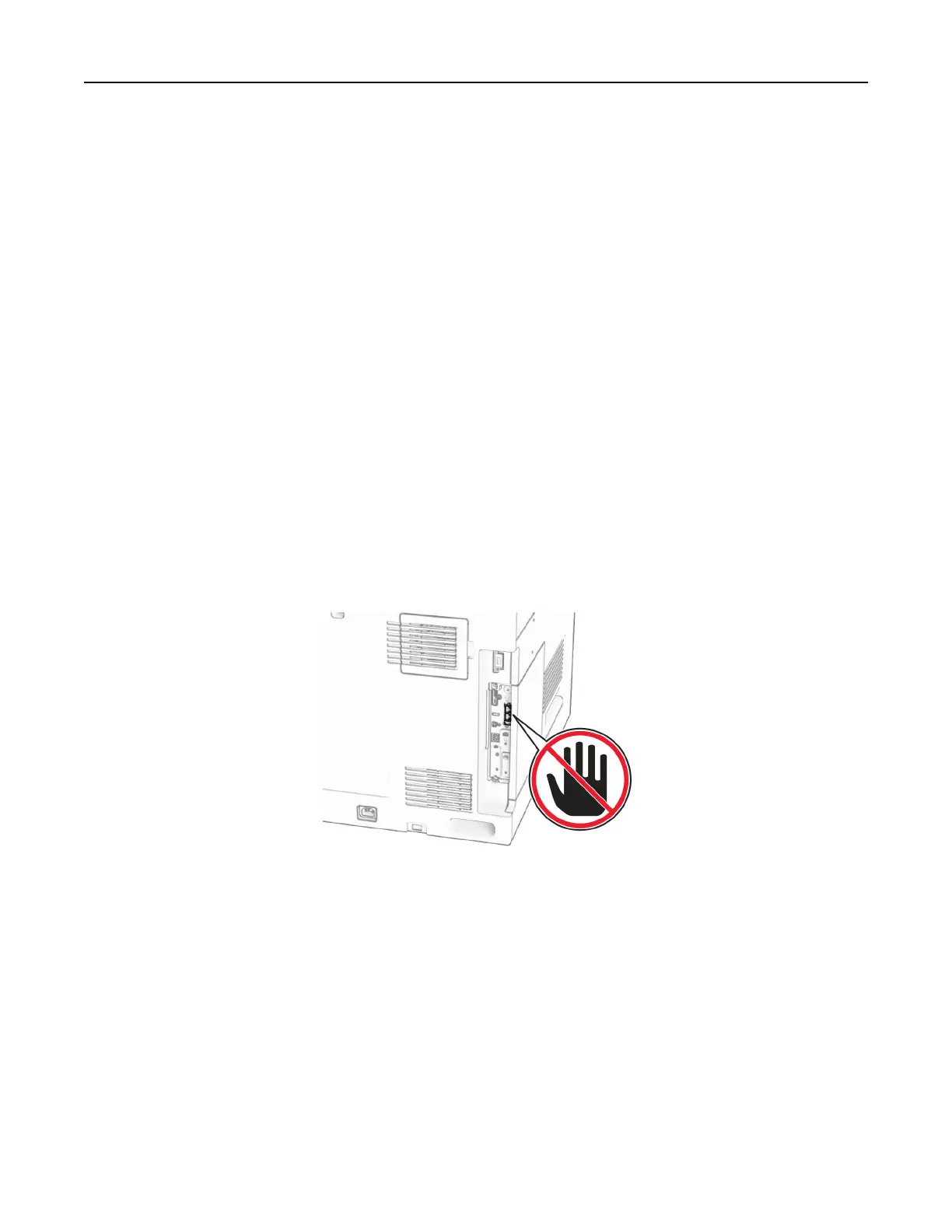
Warning—Potential Damage: To avoid loss of data or printer malfunction, do not touch cables or the printer
in the area shown while actively sending or receiving a fax.
Using the control panel
1
From the control panel, navigate to Settings > Fax > Fax Setup > General Fax Settings.
2 Configure the settings.
Using the Embedded Web Server
1
Open a web browser, and then type the printer IP address in the address field.
Notes:
• View the printer IP address on the control panel. The IP address appears as four sets of numbers
separated by periods, such as 123.123.123.123.
Set up, install, and configure 73



 To Next Page