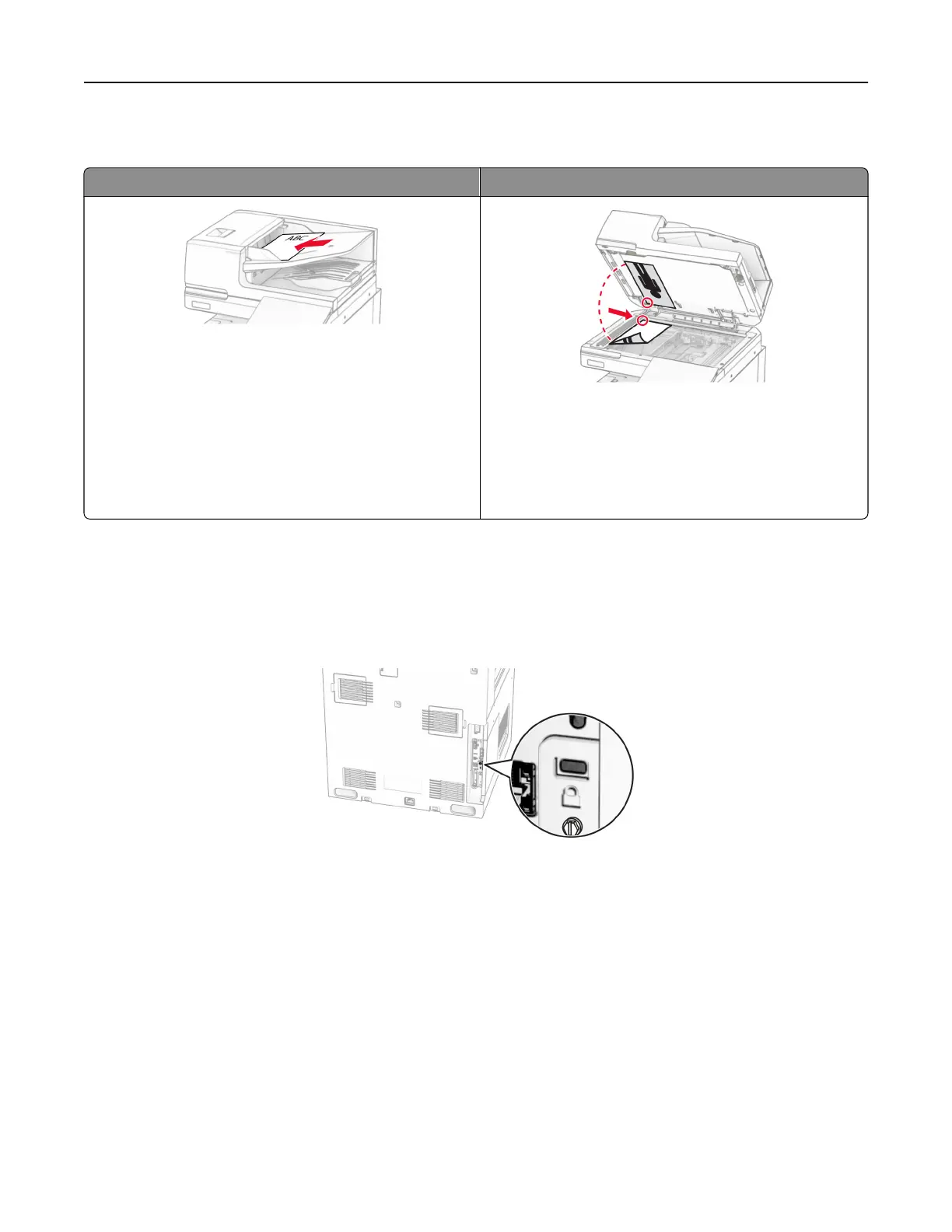
Using the automatic document feeder and scanner glass
Automatic document feeder (ADF) Scanner glass
• Use the ADF for multiple‑page or two-sided
documents.
• Load an original document faceup. For multiple‑page
documents, make sure to align the leading edge
before loading.
• Make sure to adjust the ADF guides to match the width
of the paper that you are loading.
• Use the scanner glass for single‑page documents,
book pages, small items (such as postcards or
photos), transparencies, photo paper, or thin media
(such as magazine clippings).
• Place the document facedown in the corner with the
arrow.
Locating the security slot
The printer is equipped with a security lock feature. Attach a security lock compatible with most laptop
computers in the location shown to secure the printer in place.
Selecting paper
Paper guidelines
Use the appropriate paper to prevent jams and help ensure trouble‑free printing.
• Always use new, undamaged paper.
• Before loading paper, know the recommended printable side of the paper. This information is usually
indicated on the paper package.
• Do not use paper that has been cut or trimmed by hand.
• Do not mix paper sizes, types, or weights in the same tray; mixing results in jams.
• Do not use coated papers unless they are
specifically
designed for electrophotographic printing.
Learn about the printer 15



 To Next Page