Installing the cabinet
CAUTION—SHOCK HAZARD: To avoid the risk of electrical shock, if you are accessing the controller
board or installing optional hardware or memory devices sometime after setting up the printer, then turn
the printer o, and unplug the power cord from the electrical outlet before continuing. If you have any
other devices attached to the printer, then turn them o as well, and unplug any cables going into the
printer.
Notes:
• This option must be installed together with a 550‑sheet tray. Place this option at the bottom of the
configuration.
• If a 550‑sheet tray is already installed, then uninstall the tray, remove the lower tray cover and place it on
top of this option.
• This task requires a flat‑head screwdriver.
1 Unpack, and then assemble the cabinet.
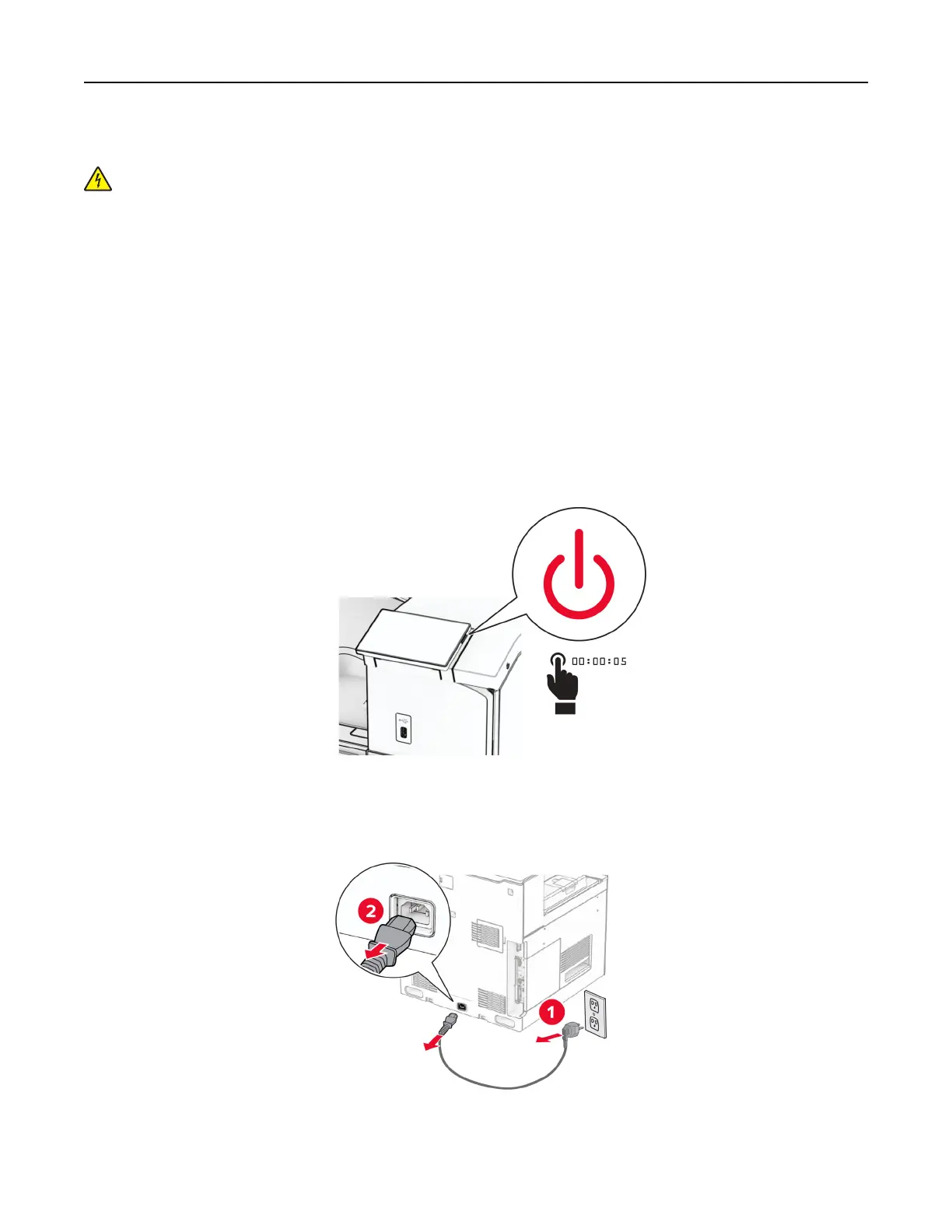
2 Turn o the printer.
3 Unplug the power cord from the electrical outlet, and then from the printer.
Set up, install, and configure 117



 To Next Page