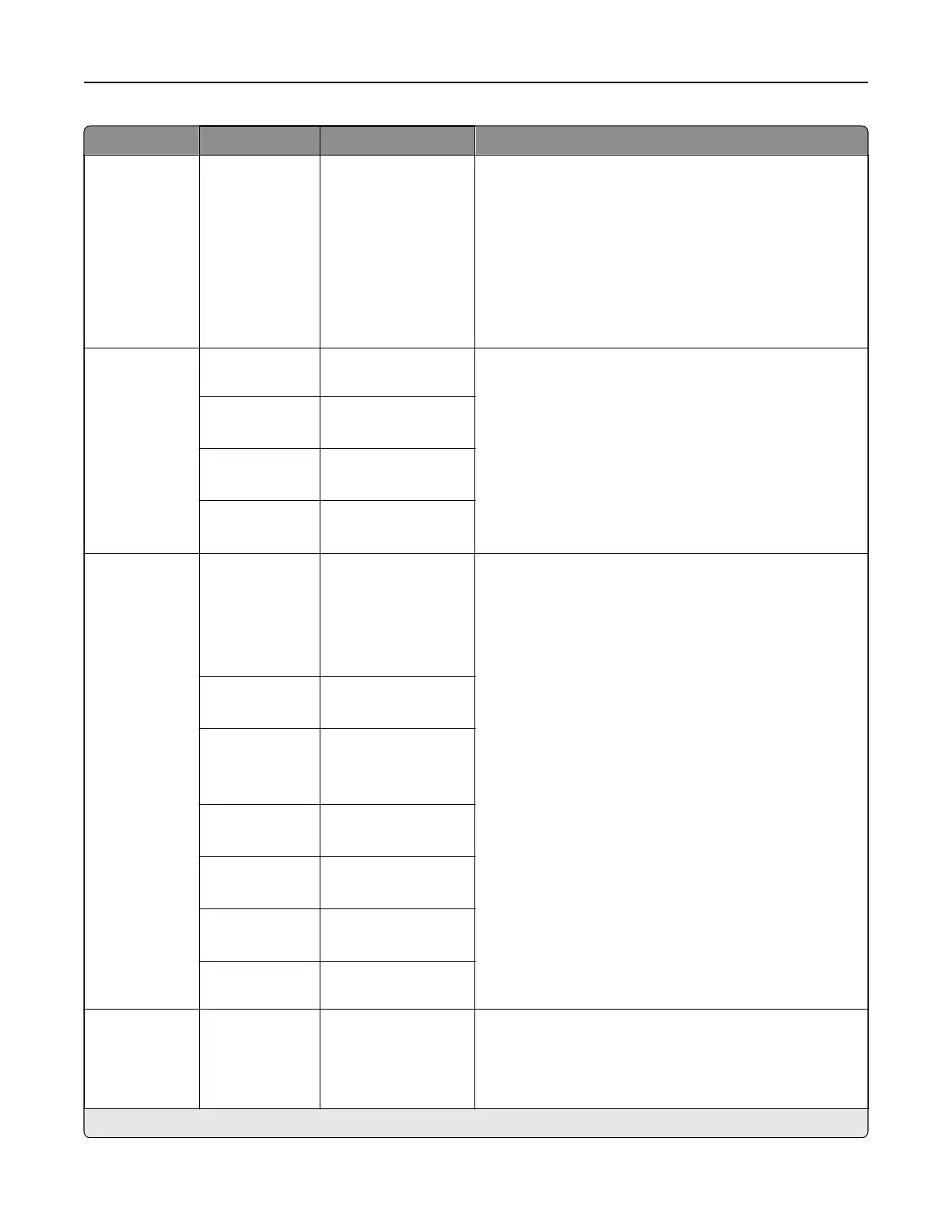
Menu item Submenu items Settings Description
Format N/A JPEG (.jpg)
PDF (.pdf)*
TIFF (.tif)
XPS (.xps)
TXT (.txt)
RTF (.rtf)
DOCX (.docx)
CSV (.csv)
Specify the file format of the scanned document.
Note: The menu items may vary depending on your
printer model.
Global OCR
Settings
Recognized
Languages
[List of languages] Configure the settings for optical character recognition
(OCR).
Note: This menu item appears only if you have
purchased and installed an OCR solution.
Auto Rotate O*
On
Despeckle O*
On
Auto Contrast
Enhance
O*
On
PDF Settings PDF Version 1.3
1.4
1.5*
1.6
1.7
Configure the PDF settings of the scanned image.
Notes:
• Archival Version and Archival (PDF/A) are
supported only when PDF Version is set to 1.4 or
1.7.
• Highly Compressed appears only when a storage
drive is installed.
• Secure is supported only when PDF Version is set
to 1.4 or higher.
Archival
(PDF/A)
O*
On
Archival
Version
A‑1a*
A‑1b
A‑2u
Highly
Compressed
O*
On
Secure O*
On
Searchable O*
On
Split Job by
Pages
0*
Content Type N/A Text
Tex t/Pho to*
Photo
Graphics
Specify the content of the original document.
Note: An asterisk (*) next to a value indicates the factory default setting.
Printer menus 335



 To Next Page