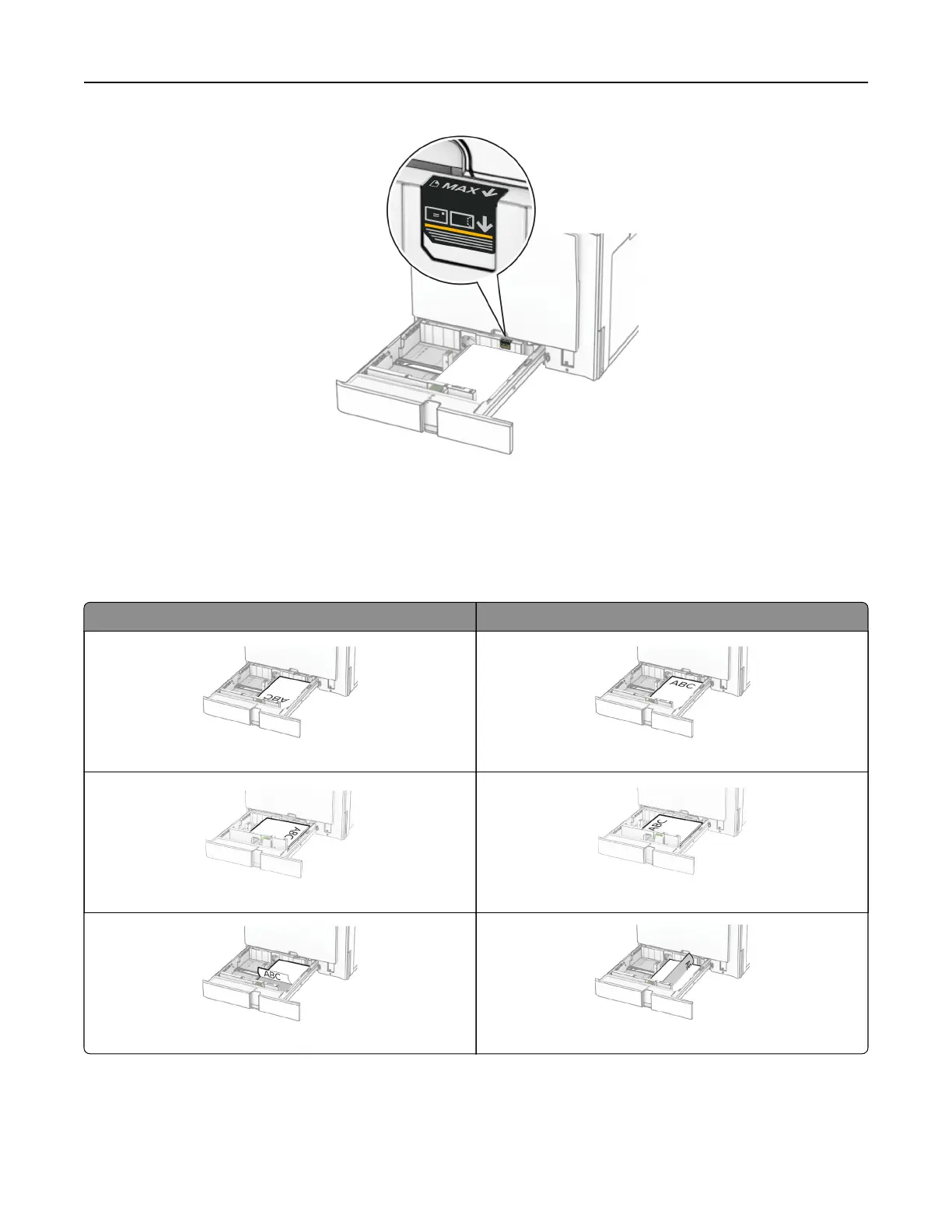
5 Insert the tray.
If necessary, set the paper size and paper type to match the paper loaded in the tray.
Note: When a finisher is installed, the pages are rotated to 180° when printed.
When loading letterhead, do any of the following:
Without a finisher With a finisher
One‑sided, long‑edge printing One‑sided, long‑edge printing
One‑sided, short‑edge printing One‑sided, short‑edge printing
Two‑sided, long‑edge printing Two‑sided, long‑edge printing
Set up, install, and configure 83



 To Next Page