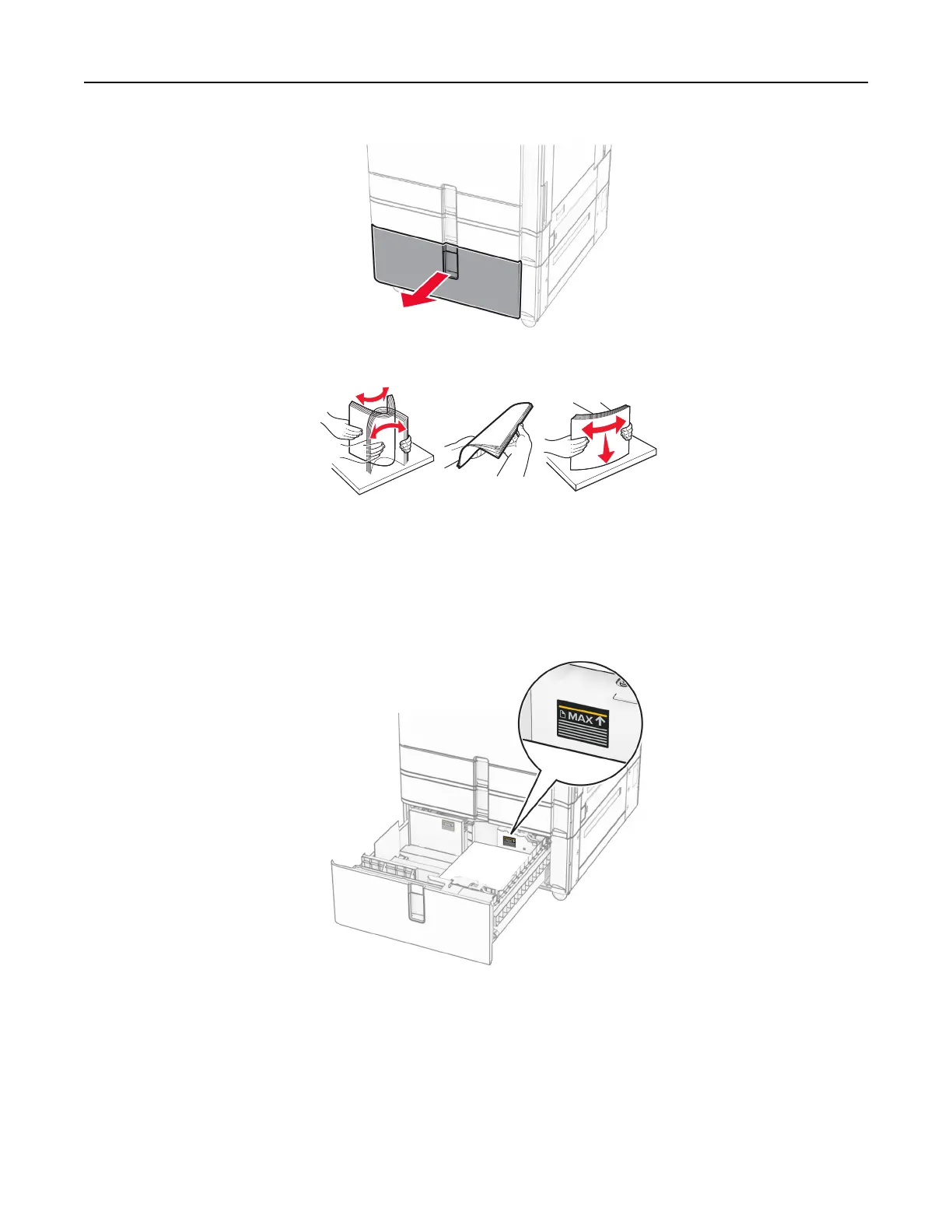
2 Flex, fan, and align the paper edges before loading.
3 Load the paper stack to the right tray insert with the printable side faceup.
Notes:
• Do not slide paper into the tray.
• Make sure that the stack height is below the maximum paper fill indicator. Overfilling may cause
paper jams.
4 Insert the right tray insert into the printer.
Set up, install, and configure 85



 To Next Page