Note: This task requires a flat‑head screwdriver.
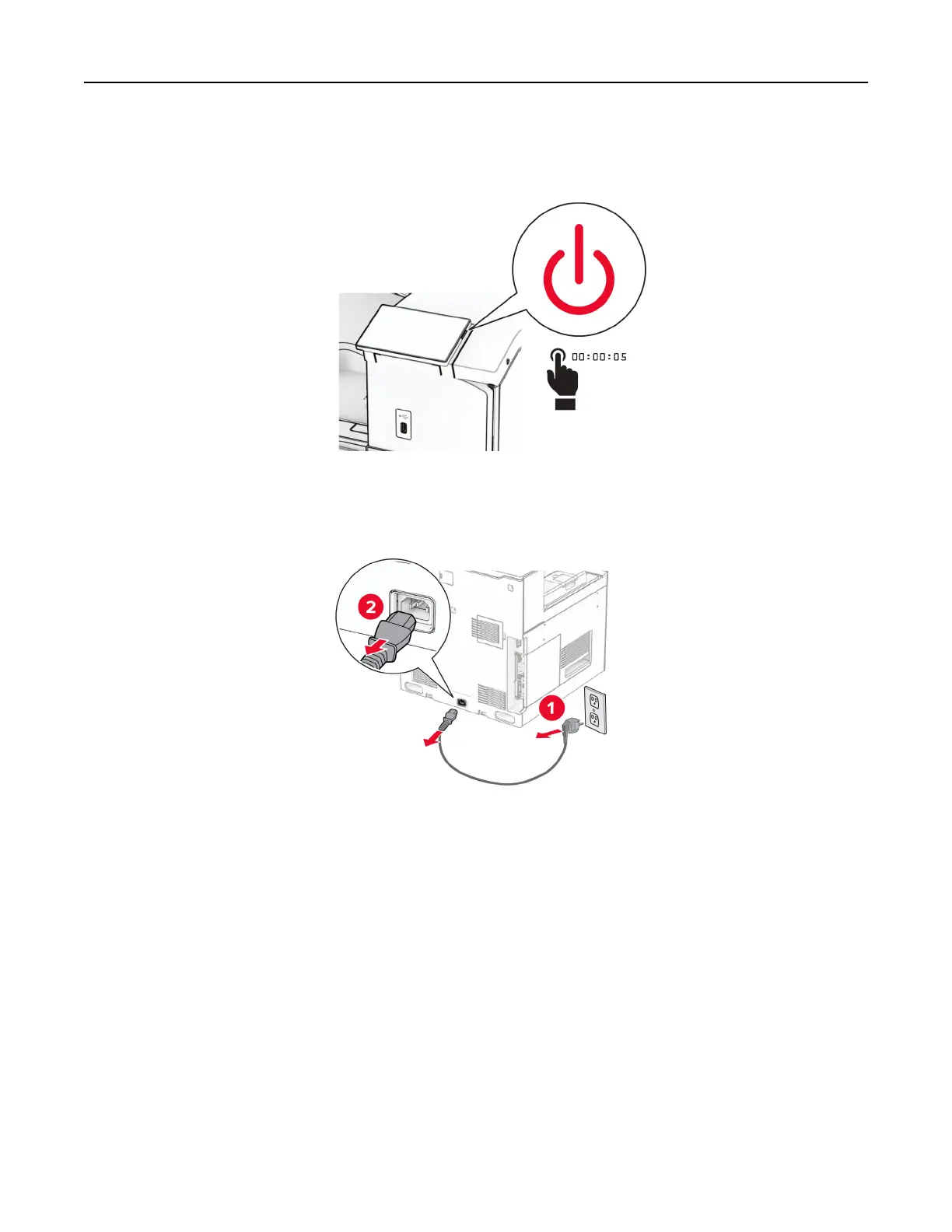
1 Turn
o
the printer.
2 Unplug the power cord from the electrical outlet, and then from the printer.
3 Unpack the paper transport.
4 Remove the standard bin.
Note: Do not throw away the bin.
Set up, install, and configure 161



 To Next Page