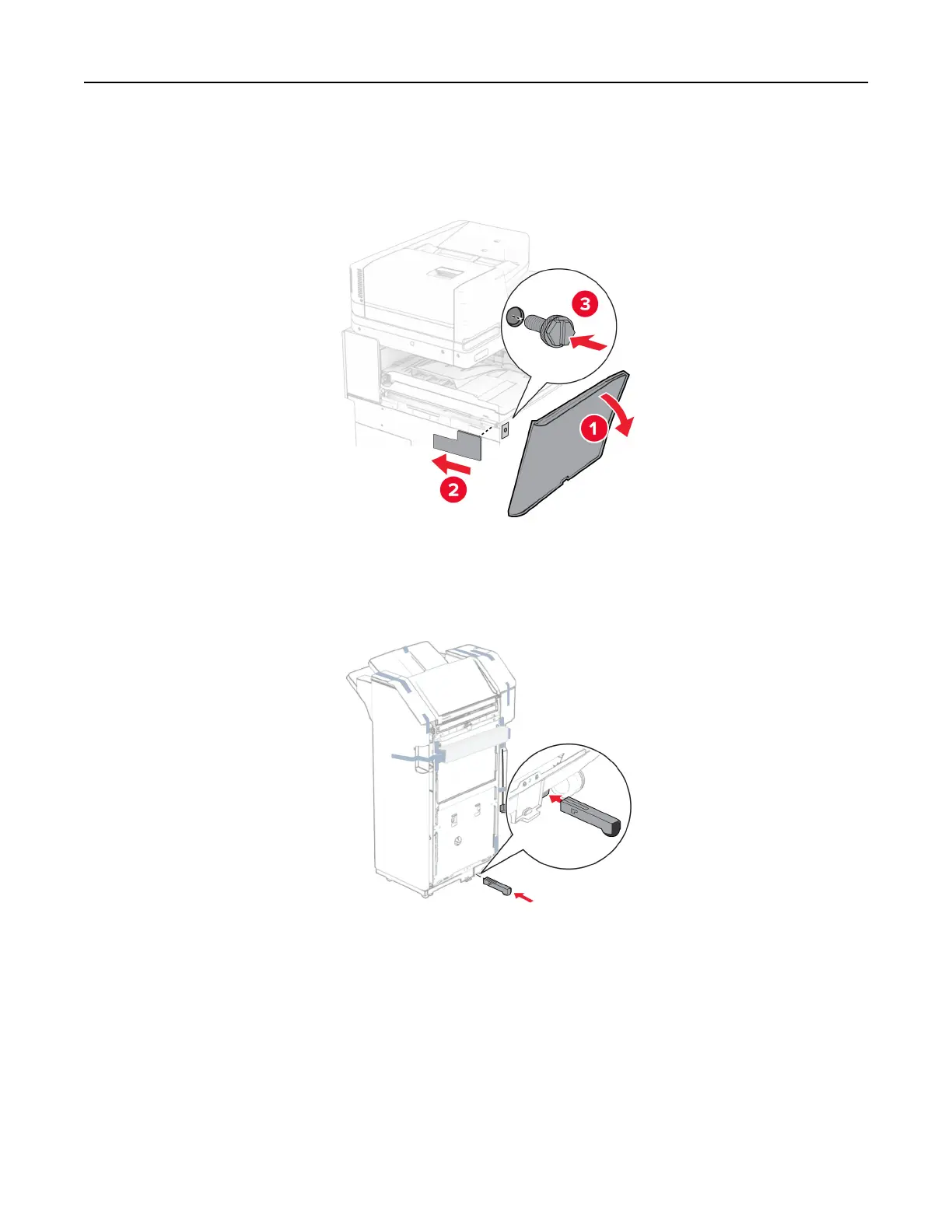
18 Open the front door, and then attach the cover that came with the paper transport to the left side of the
printer.
19 Close the front door.
20 Unpack the staple, hole punch finisher.
21 Install the stabilizer.
22 Remove the pieces of tape around the finisher.
Set up, install, and configure 168



 To Next Page