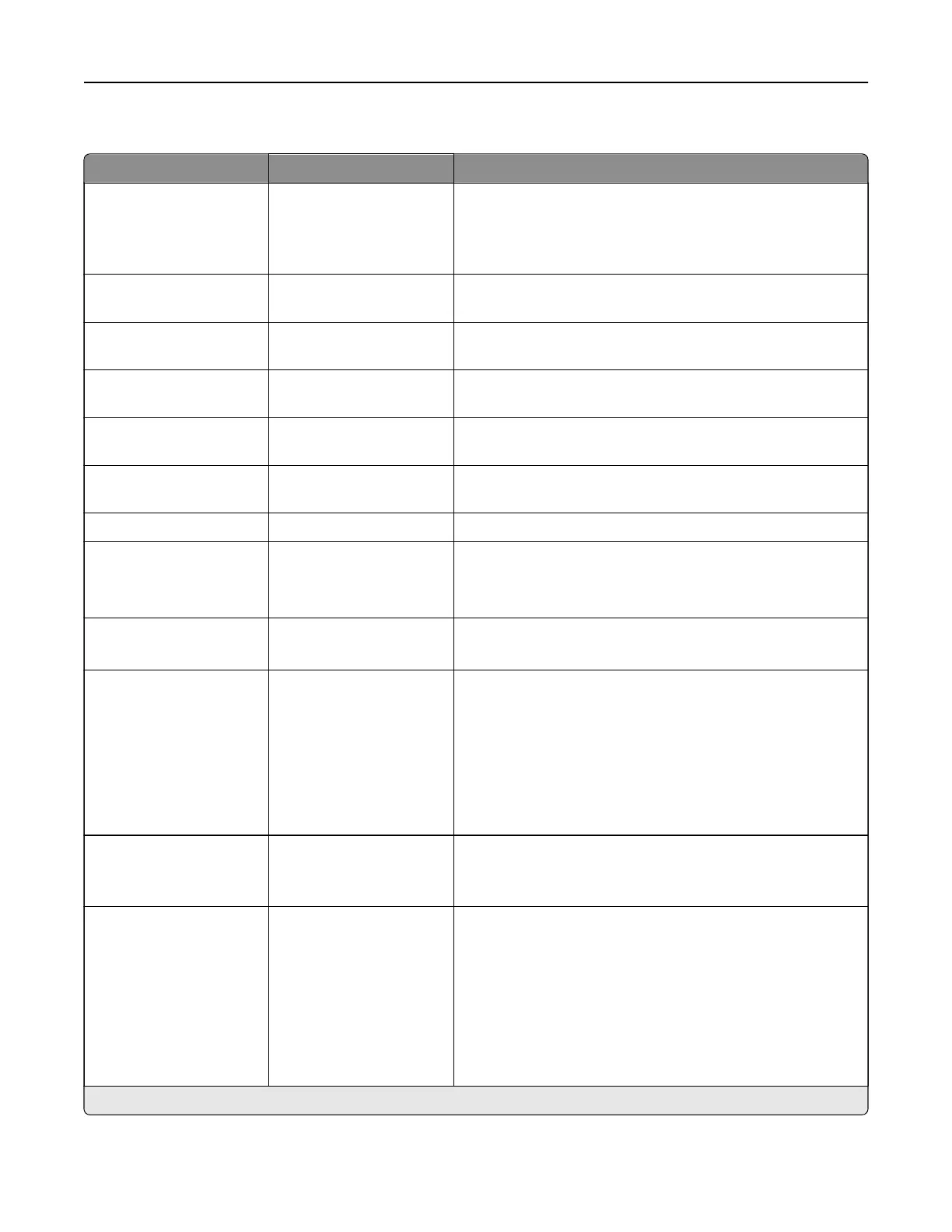
Fax Server E‑mail Settings
Menu item Settings Description
Use E‑mail SMTP Server On
O*
Use the Simple Mail Transfer Protocol (SMTP) settings for
email in receiving and sending faxes.
Note: When set to On, all other settings of the Fax Server
E‑mail Settings menu are not shown.
Primary SMTP Gateway N/A Type the IP address or host name of the primary SMTP
server.
Primary SMTP Gateway
Port
1–65535 (25*) Enter the port number of the primary SMTP server.
Secondary SMTP
Gateway
N/A Type the server IP address or host name of your secondary
or backup SMTP server.
Secondary SMTP
Gateway Port
1–65535 (25*) Enter the server port number of your secondary or backup
SMTP server.
SMTP Timeout 5–30 (30*) Set the time before the printer times out if the SMTP server
does not respond.
Reply Address N/A Specify a reply address for sending fax.
Use SSL/TLS Disabled*
Negotiate
Required
Specify whether to send a fax using an encrypted link.
Require Trusted
Certificate
O
On*
Specify a trusted certificate when accessing the SMTP
server.
SMTP Server
Authentication
No authentication
required*
Login / Plain
NTLM
CRAM‑MD5
Digest‑MD5
Kerberos 5
Set the authentication type for the SMTP server.
Device‑Initiated E‑mail None*
Use Device SMTP
Credentials
Specify whether credentials are required for device‑initiated
email.
User‑Initiated E‑mail None*
Use Device SMTP
Credentials
Use Session User ID and
Password
Use Session E‑mail
address and Password
Prompt user
Specify whether credentials are required for user‑initiated
email.
Note: An asterisk (*) next to a value indicates the factory default setting.
Printer menus 331



 To Next Page