13 Close paper transport cover F.
14 Return handles R1, R3, and R4 to their original position.
15 Close door H.
If your printer is
configured
with a paper transport with folding option, then do the following:
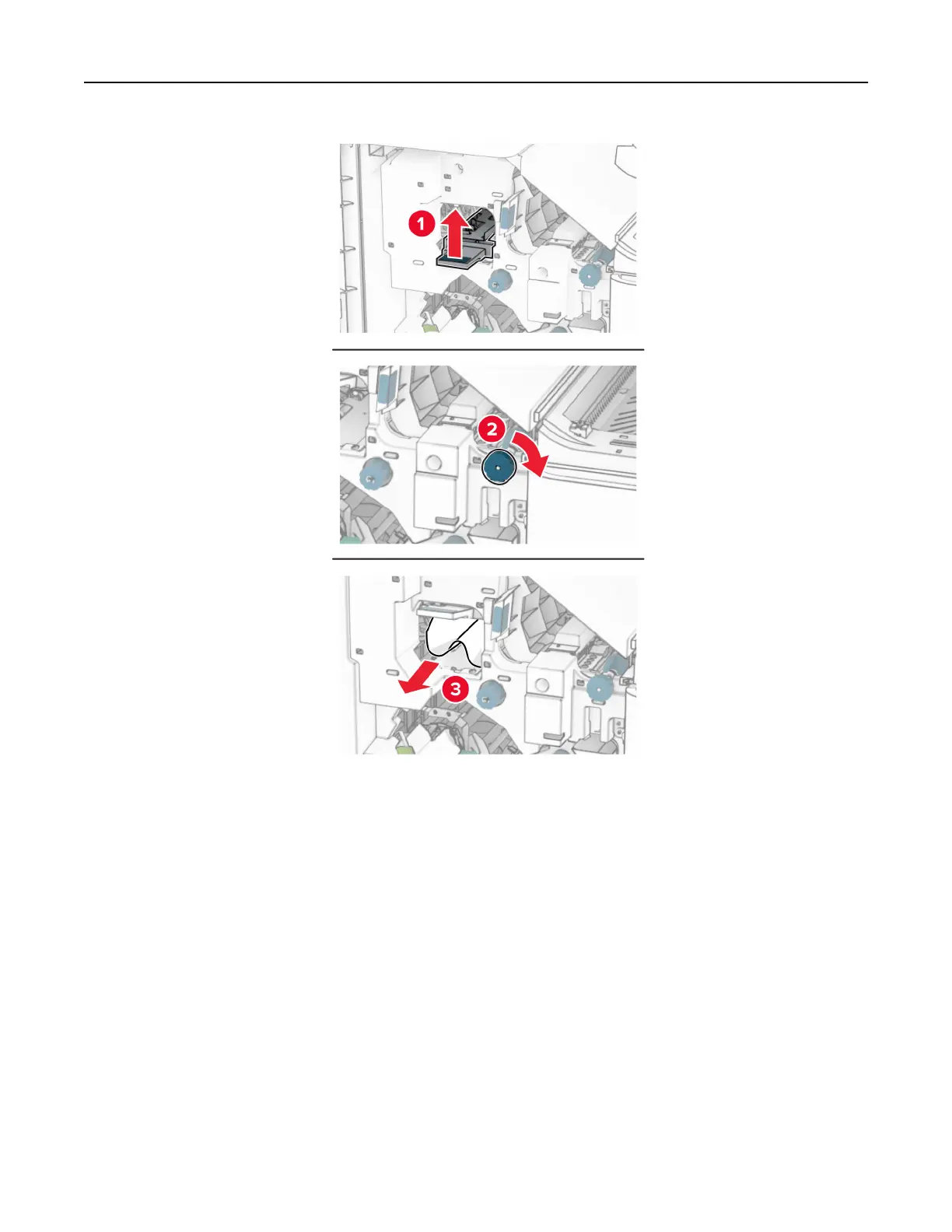
1 Remove the jammed paper in the finisher standard bin.
Note: Make sure that all paper fragments are removed.
Troubleshoot a problem 509



 To Next Page