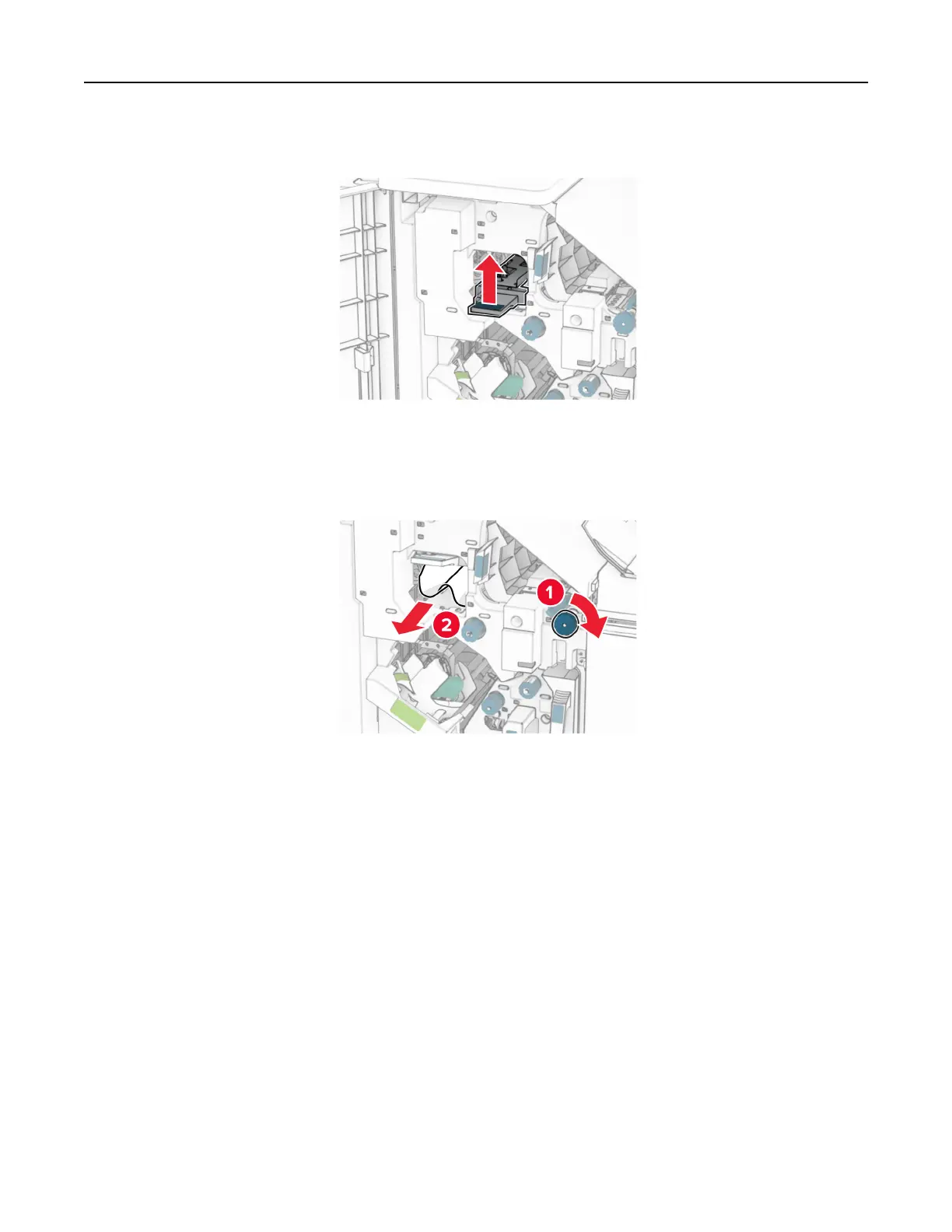
9 Lift handle R4.
10 Turn knob R2 clockwise, and then remove the jammed paper in handle R4.
Note: Make sure that all paper fragments are removed.
11 Move handle R1 to the left, turn knob R2 counterclockwise, and then remove the jammed paper between
doors N4 and N5.
Note: Make sure that all paper fragments are removed.
Troubleshoot a problem 513



 To Next Page