Gesture Function
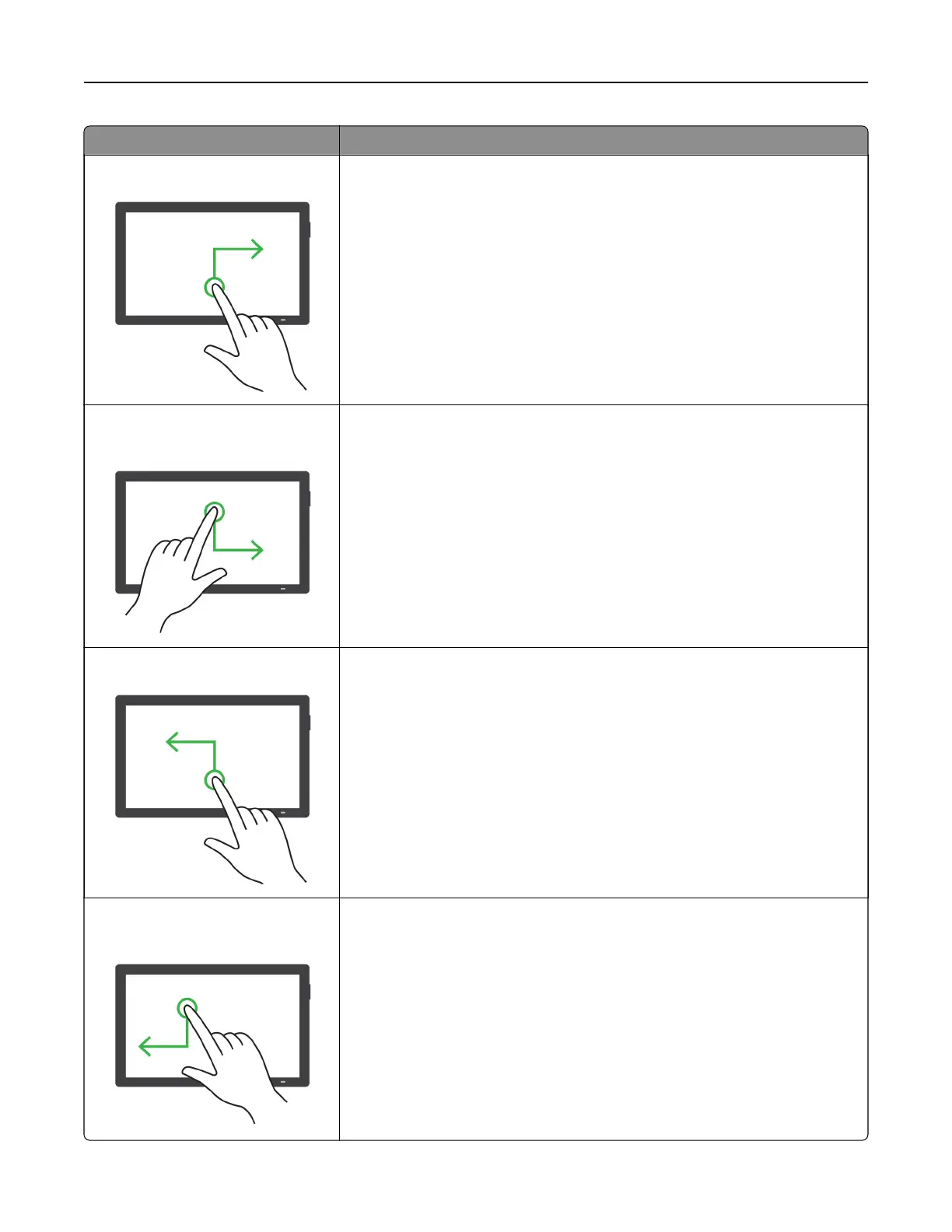
Swipe up then right using one finger
Increase the volume.
Note: This gesture is also applicable when the printer is in normal mode.
Swipe down then right using one
finger
Decrease the volume.
Note: This gesture is also applicable when the printer is in normal mode.
Swipe up then left using one finger
Exit an application and return to the home screen.
Swipe down then left using one
finger
Go back to the previous setting.
Set up, install, and configure 71



 To Next Page