4 Close door K.
If necessary, set the paper size and type to match the paper loaded in the tray.
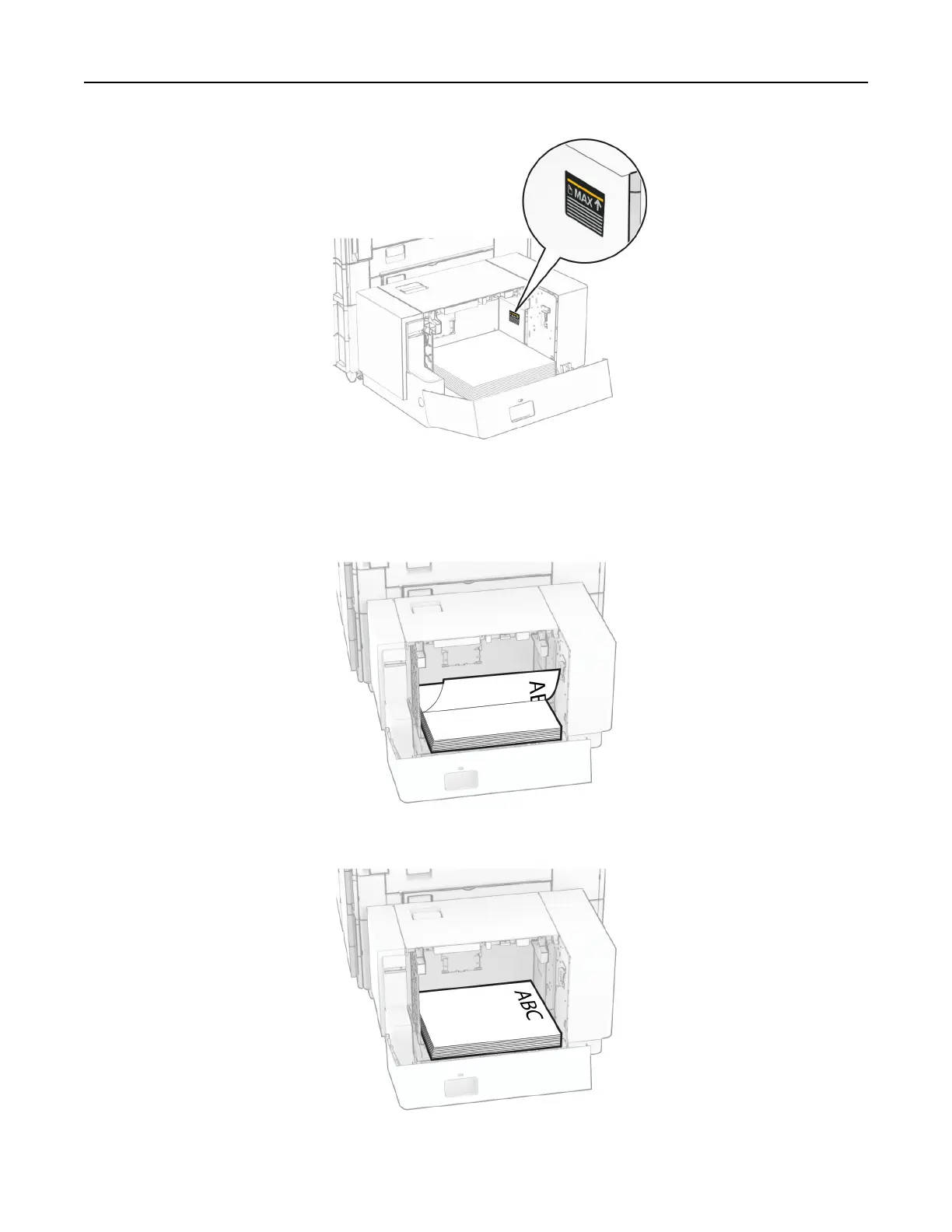
When loading letterhead for one-sided printing, load it facedown with the header toward the rear of the printer.
When loading letterhead for two-sided printing, load it faceup with the header toward the rear of the printer.
Set up, install, and configure 88



 To Next Page