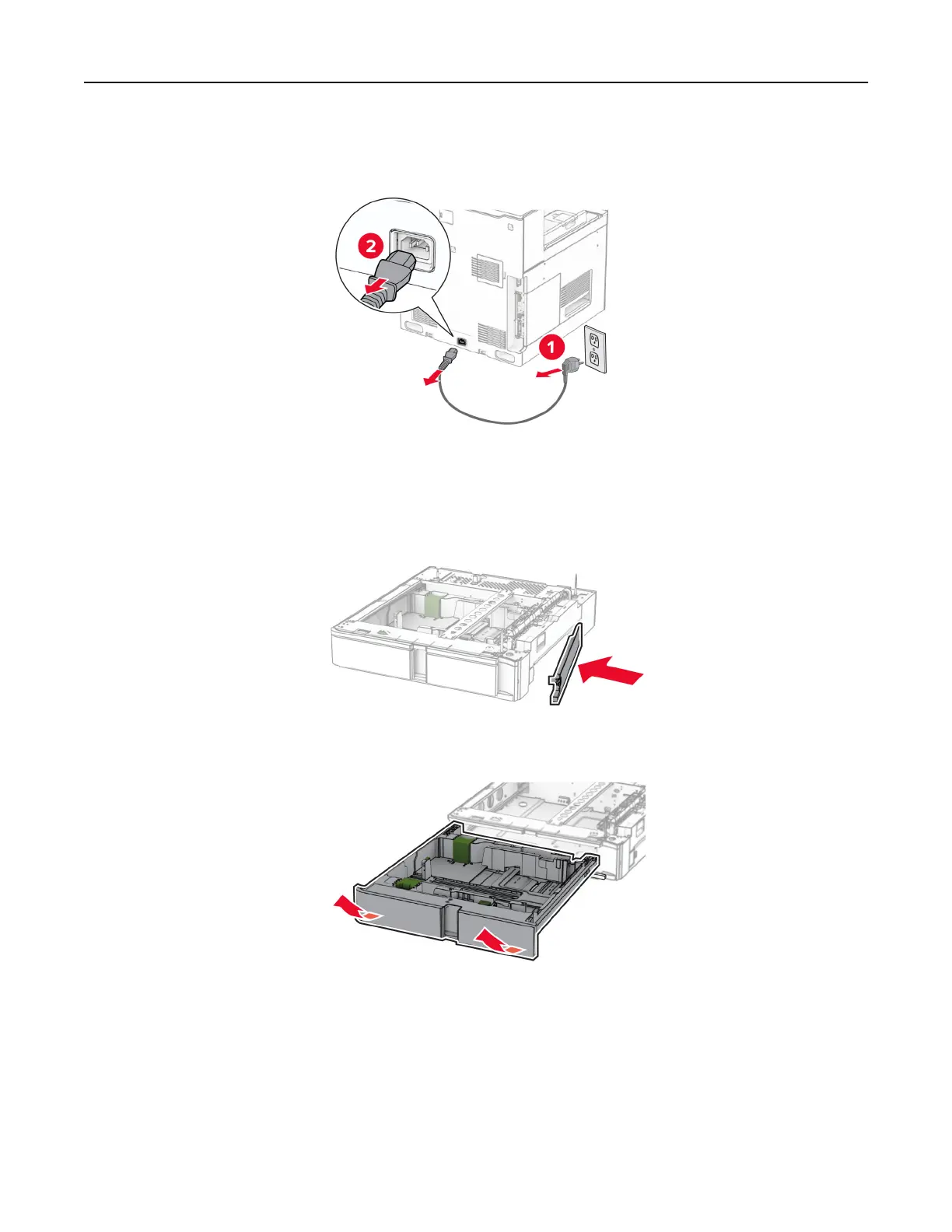
2 Unplug the power cord from the electrical outlet, and then from the printer.
3 Unpack the optional 550‑sheet tray.
Note: To avoid damaging the tray, make sure to hold the front and rear sides when lifting it.
4 Attach the right tray cover.
5 Pull out the 550‑sheet tray insert.
Set up, install, and configure 99



 To Next Page