MAINTENANCE AND SERVICING
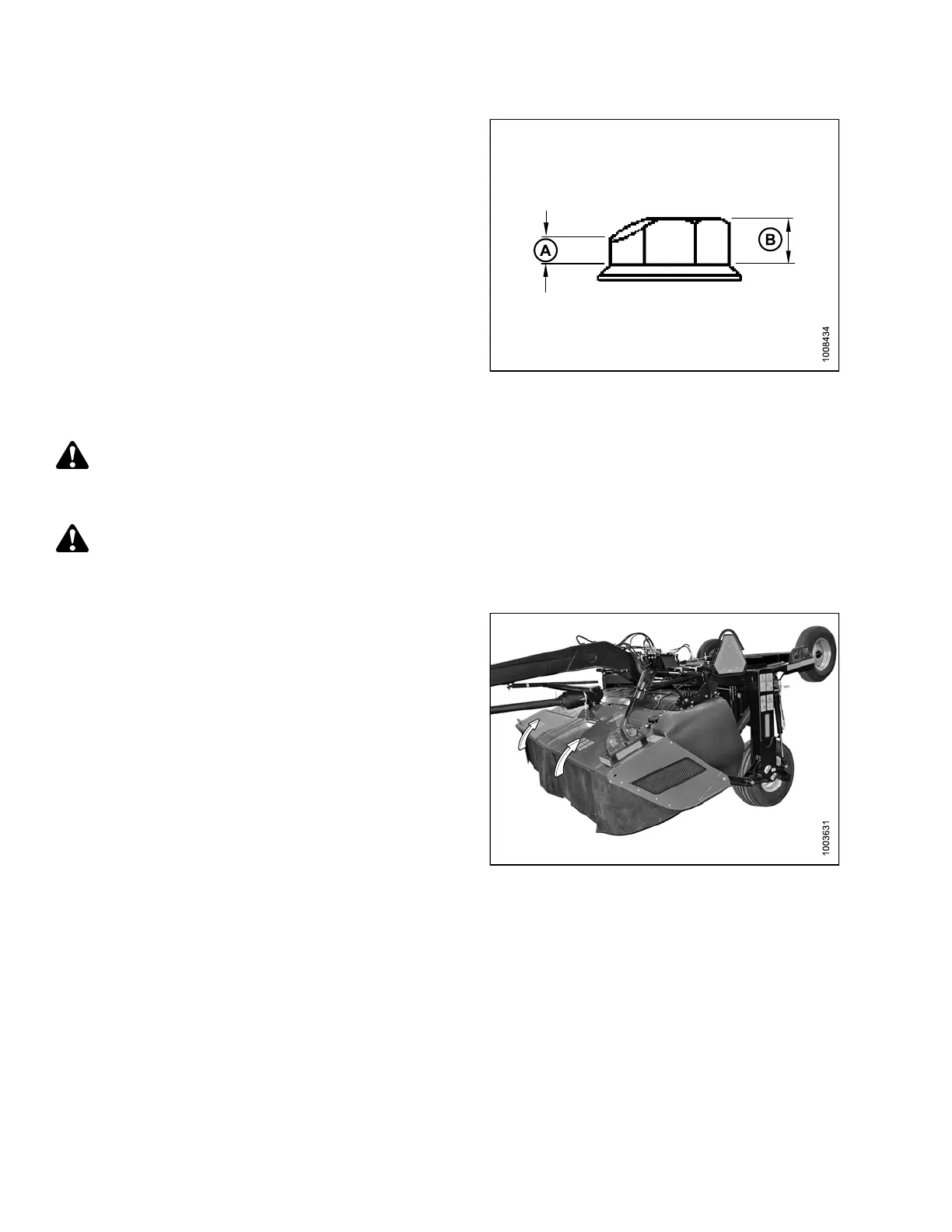
2. Check and replace nuts under the following conditions:
a. Nut has been previously installed—nuts are
one-time-use only.
b. Nut shows signs of wear (A) that is more than half
the original h eight (B).
c. Nut is cracked.
Figure 4.56: Cutterblade Nut
Removing Cutterblades
DANGER
To avoid bodily injury or death from unexpected start-up or fall of a raised machine, stop engine, remove
key, and engage header lift cylinder lock-out valves before going under machine for any reason.
CAUTION
Cutter blade
s have two cutting edges. Exercise caution when working around the blades. Blades are sharp
and can cause
serious injury. Wear gloves when handling blades.
1. Raise mower conditioner fully, shut off engine, and
remove key.
2. Engage lift cylinder lock-out valves. Refer to 3.1.1
Engaging Locks, page 31.
3. Open cutterbar door(s).
Figure 4.57: Cutterbar Doors
147910 148 Revision A





 To Next Page