MAINTENANCE AN D SERVICING
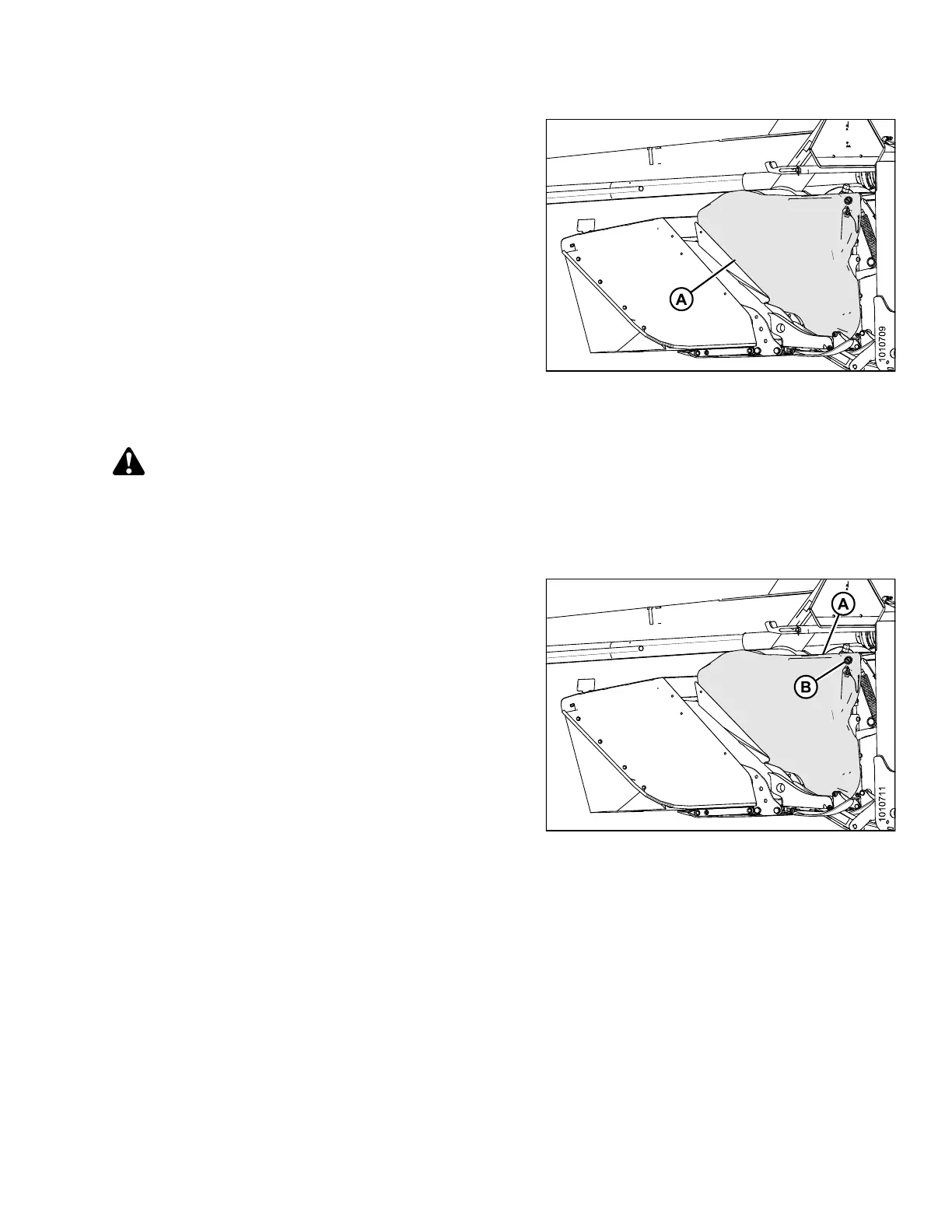
3. Pull top of driveshield (A) away from mower conditioner
and lift o ff the pins at the base of the shield to remove.
Figure 4.242: Driveshield
4.8.2 Installing Driveshields
CAUTION
Do NOT operate the machine without the driveshields in place and secured.
NOTE:
Images shown are for left side drive sh ield—right side drives hield is similar.
1. Position driveshield onto pins at base of driveshield.
2. Push driveshield (A) to engage latch (B).
3. Check that driveshield is p roperly secured.
Figure 4.243: Driveshield and Latch
147910 225 Revision A





 To Next Page