MAINTENANCE AND SERVICING
17. Install clutch driveline (A) at center suppo rt. Refer to
Installing Clutch D riveline, page 194.
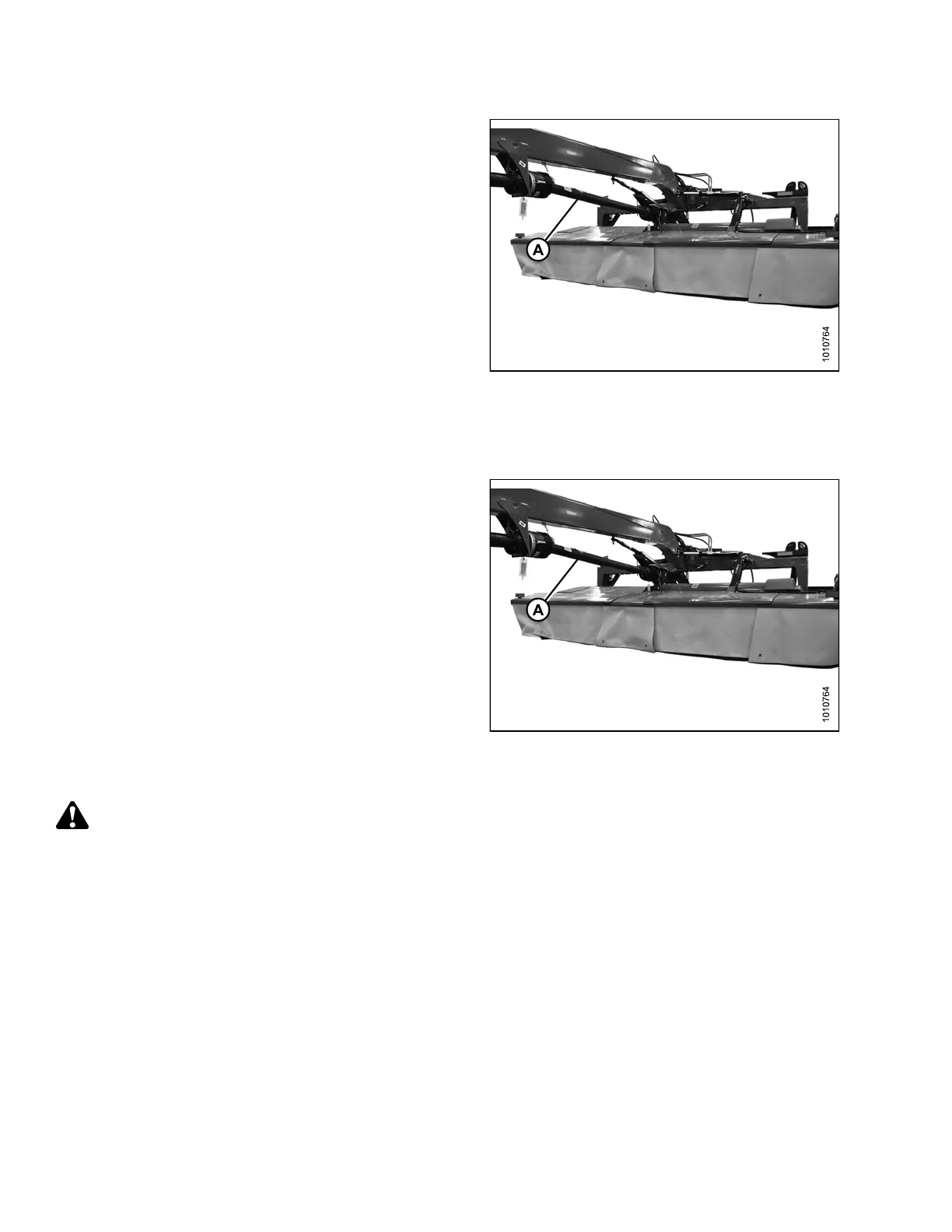
Figure 4.1 67: Clutch Driveline Installed at
Center Support
4.5.4 Clutch Driveline
The clutch drivelines (A) transfers power from the
hitch driveline to the rear swivel gearbox through a
clutch mechanism.
Replace t he driveline if there are signs of damage,
vibration, excessive noise, or if the clutch needs replacing.
Follow regular lubrication procedures and ensure all
driveline taper pins are torqued as instructed. Refer to
4.4.1 Cutterbar Lubrication, page 127 and 4.5.6 Inspecting
Driveline Taper Pins, page 200.
Figur
e 4.1 68: Clutch Driveli ne
Remo
ving Clutch Driveline
DANG
ER
To avoid bodily injury or death from unexpected startup of machine, always stop engine and remove key
from ignition before leaving operator ’s seat for any reason.
147910 192 Revision A





 To Next Page