MAINTENANCE AN D SERVICING
Removing Rock Guards
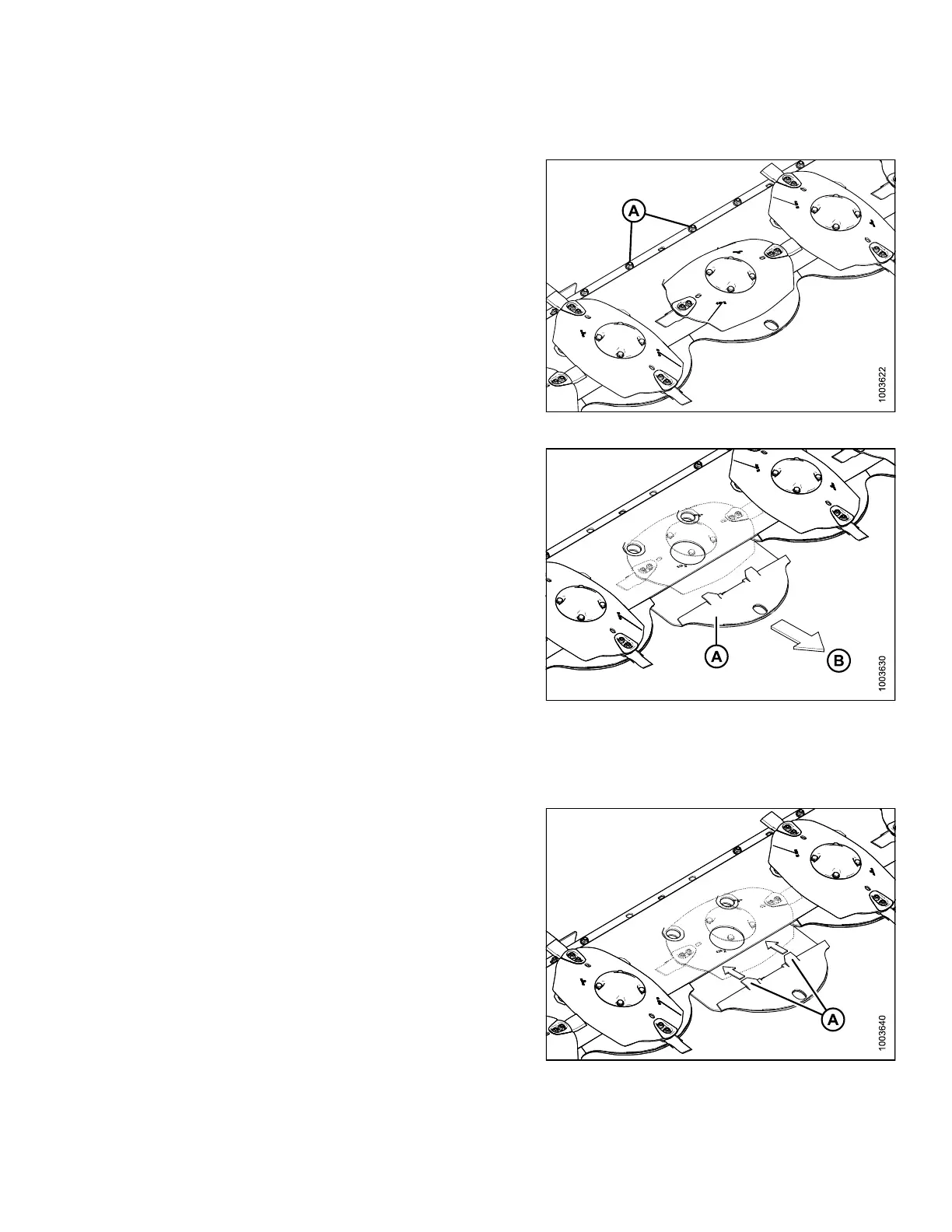
1. Remove two hex head screws, washers, and lock
nuts (A).
Figure 4.93: Rock Guard Hardware
2. Slide rock gua rd (A) forward in the direction of arrow (B)
and remove.
Figure 4.94: Rock Guard Removed
from Cutterbar
Installing Rock Guards
1. Guid
e rock guard onto cutterbar until tabs (A) sit on top
of t
he cutterbar while bottom back bolt holes line up.
Figure 4.95: Rock Guard Installed on Cutterbar
147910 163 Revision A





 To Next Page