4
Scan to E-Mail
4-16 VarioLink 2221/2821/3621
Density
According to the type of document being sent, select the appropriate density
from the settings described below.
Detail
If "600 dpi Text" or "600 dpi Text & Photo" is selected, the density can be
set to one of three levels: "Light", "Std.", and "Dark".
To specify the density settings
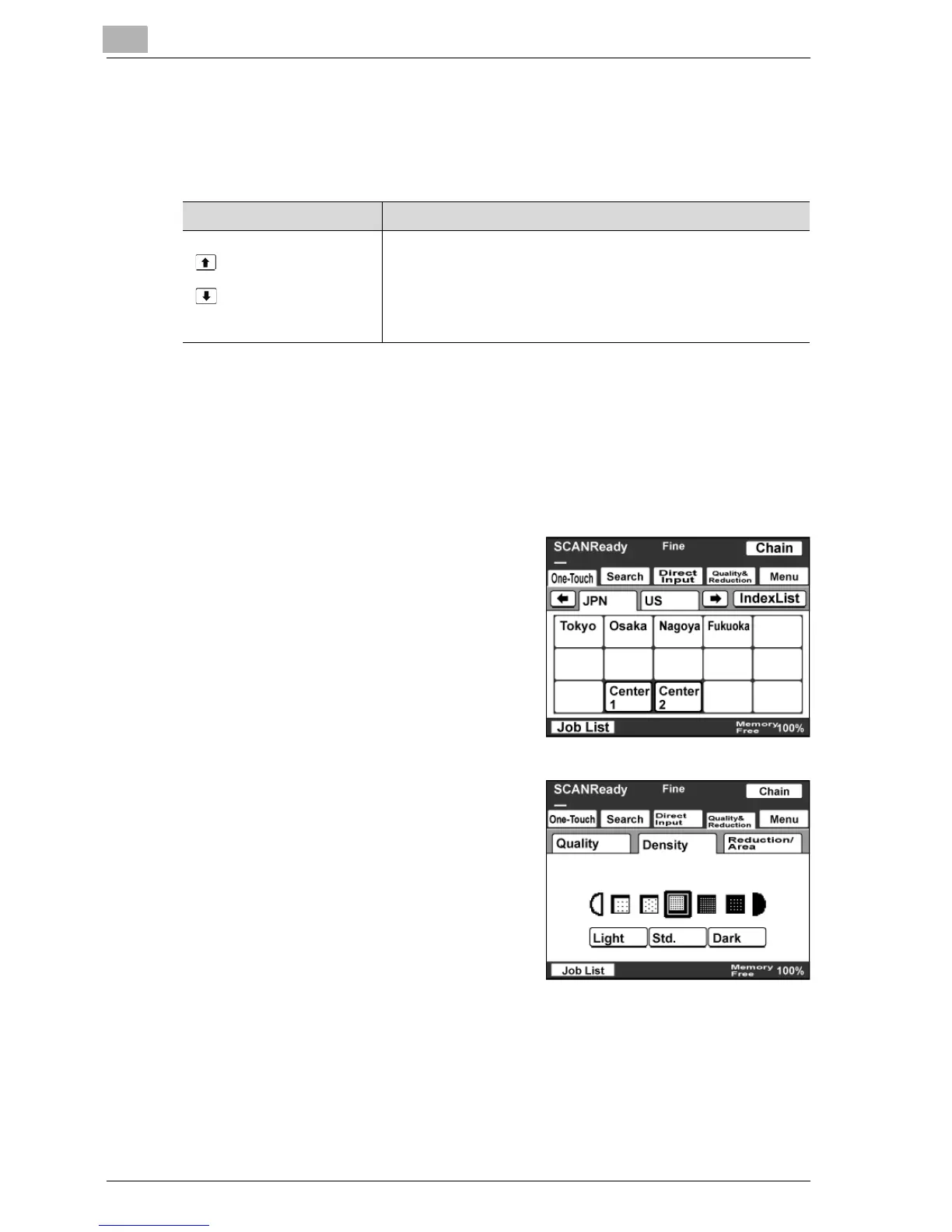
1 Touch [Quality & Reduction].
2 Touch [Density], and then touch the
desired density setting.
Item Description
Light
Std.
Dark
For documents with a dark background color, such as newspa-
pers and blueprints
For normal documents
For documents with faint or colored text



 To Next Page