Reports and lists
11
VarioLink 2221/2821/3621 11-7
11.2 Checking the reception conditions (RX Report)
The reception activity report (RX Report) shows the document number, start
date and time of the reception, duration of the reception, destination, mode,
number of pages received, and the transmission results.
Printing a reception activity report
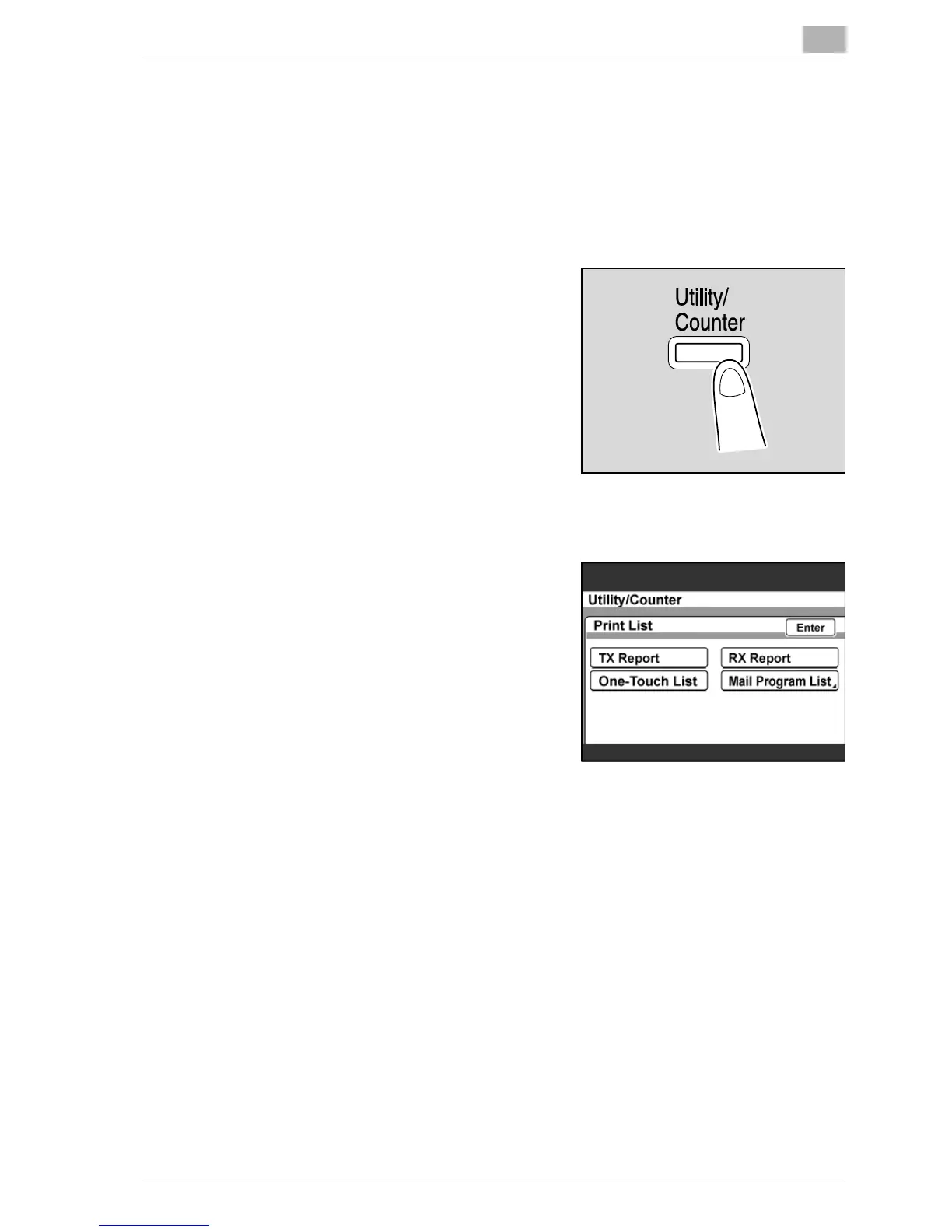
1 Press the [Utility/Counter] key.
2 Touch [Reports].
3 Touch [RX Report].
The reception activity report is
printed.



 To Next Page