9
Specifying settings using Web Connection
9-86 VarioLink 2221/2821/3621
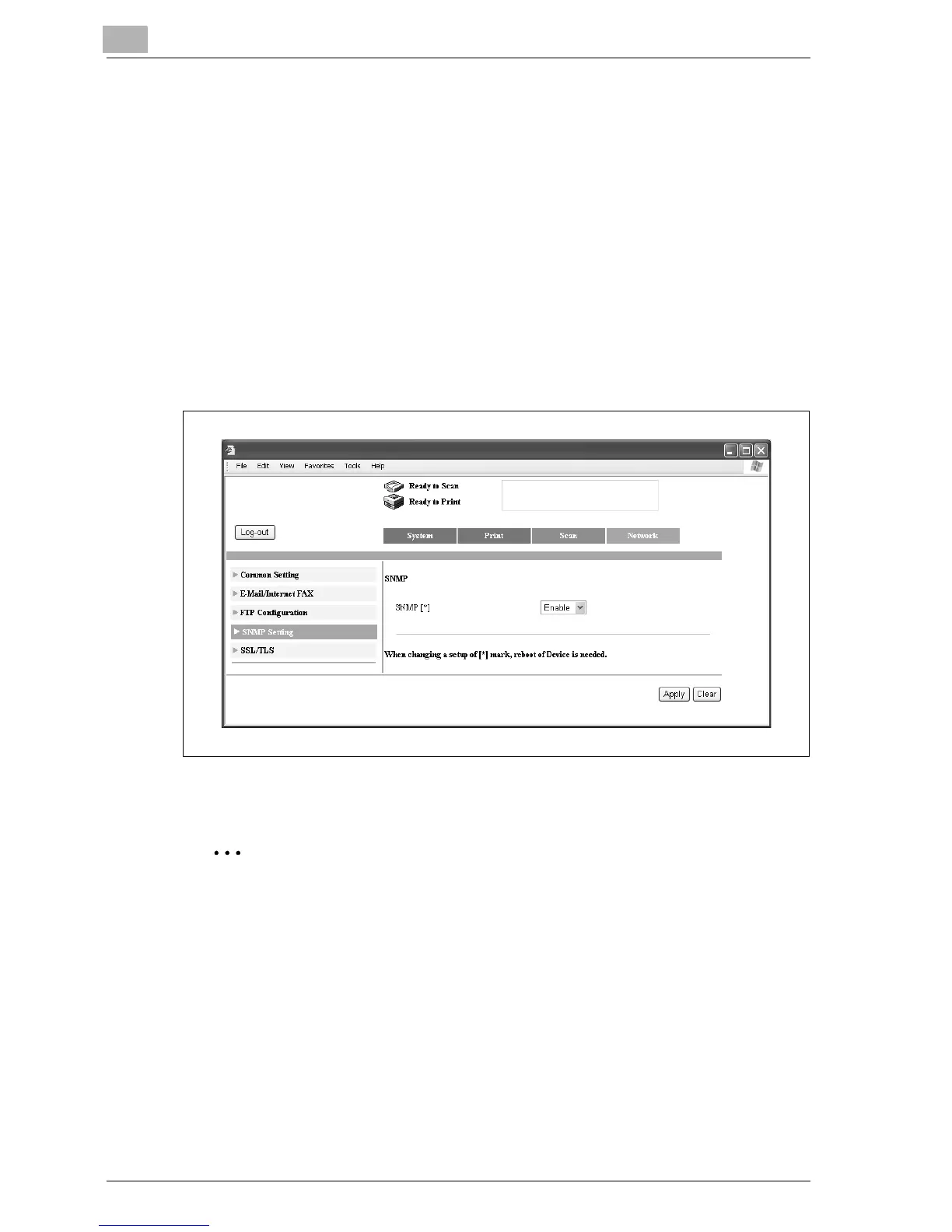
9.20 SNMP
Select whether or not SNMP is used.
Specifying the SNMP setting
1 In the Administrator mode, click the Network tab.
– For the procedure to log on to Administrator mode, refer to
"Logging on to Administrator mode" on page 9-11.
2 Click [SNMP].
3 Specify a setting for each parameter, and then click [Apply].
4 After changing the settings, turn the machine off, then on again.
Reminder
When turning the machine off, then on again with the main power switch,
wait about 10 seconds to turn the machine on after turning it off.
The machine may not operate correctly if it is turned on immediately after
being turned off.



 To Next Page