4
Scan to E-Mail
4-40 VarioLink 2221/2821/3621
Registering mail programs
If settings to be applied to a transmission are registered with the destination
information, a transmission can be performed with the registered settings
simply by touching a one-touch dial button. This is known as a mail program
and is convenient when always sending transmissions with specific settings
to a specific destination.
If the optional fax kit has been installed, the [Mail Program] changes to the
[FAX Program].
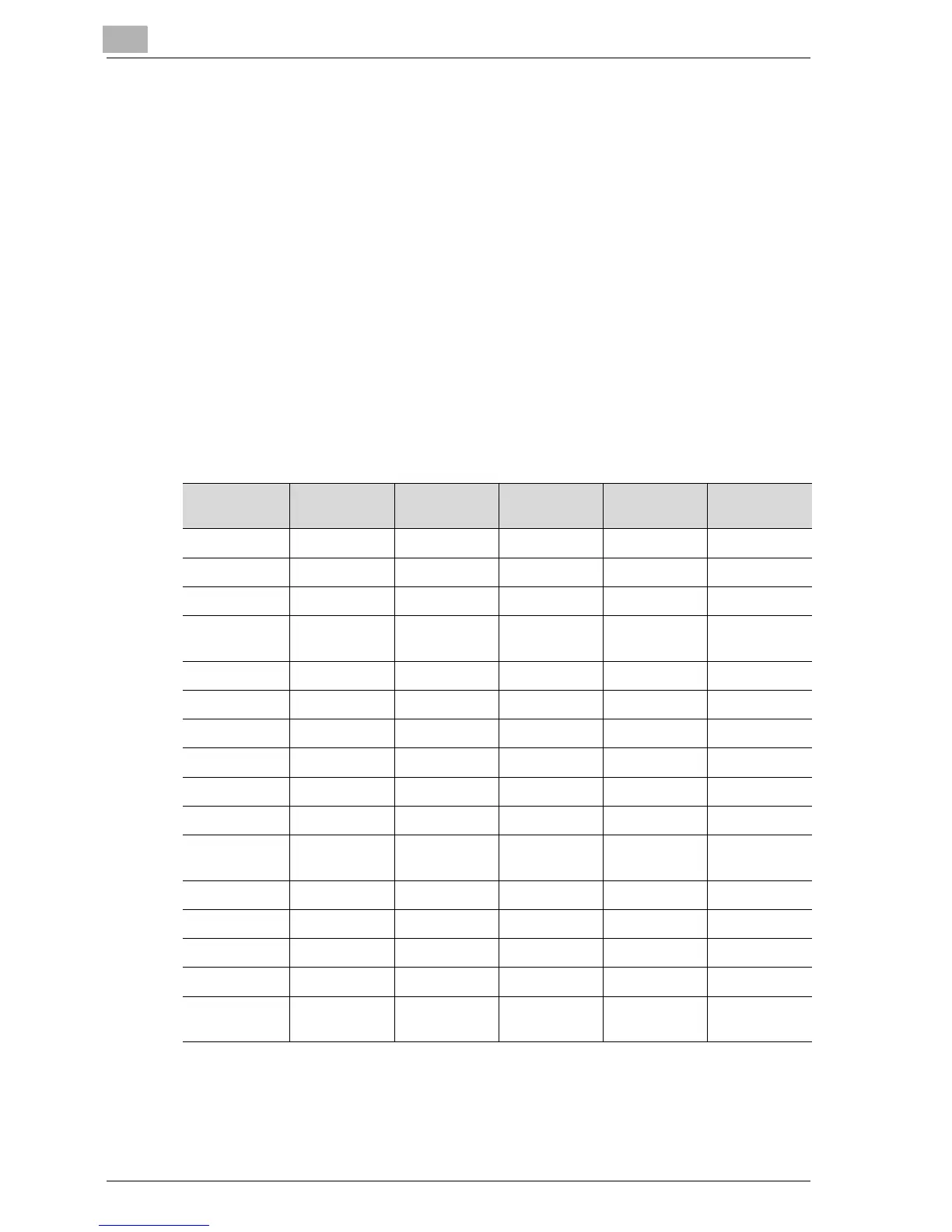
As shown below, the settings of certain parameters may not be available for
registration in a program, depending on the operation used. Refer to the
page for each item.
o: Available
+: Available under certain conditions
– : Unavailable
Operation
Parameter
Scan to
E-Mail
Scan to FTP Scan to SMB Scan to HDD Internet fax
Quality ooooo
Density ooooo
Zoom–––––
Original Size
Set.
ooooo
TSI – – – – o
TX Report ooooo
2in1 ooooo
2-Sided TX ooooo
Rotation TX – – – – +
Priority TX ooooo
Timer TX Set-
ting
ooooo
Stamp +++++
Subject––––+
Reply o –––+
File Name oooo+
E-Mail Notifi-
cation
– ooo–



 To Next Page