4
Scan to E-Mail
4-32 VarioLink 2221/2821/3621
Settings can be specified for the following.
To program a one-touch dial button
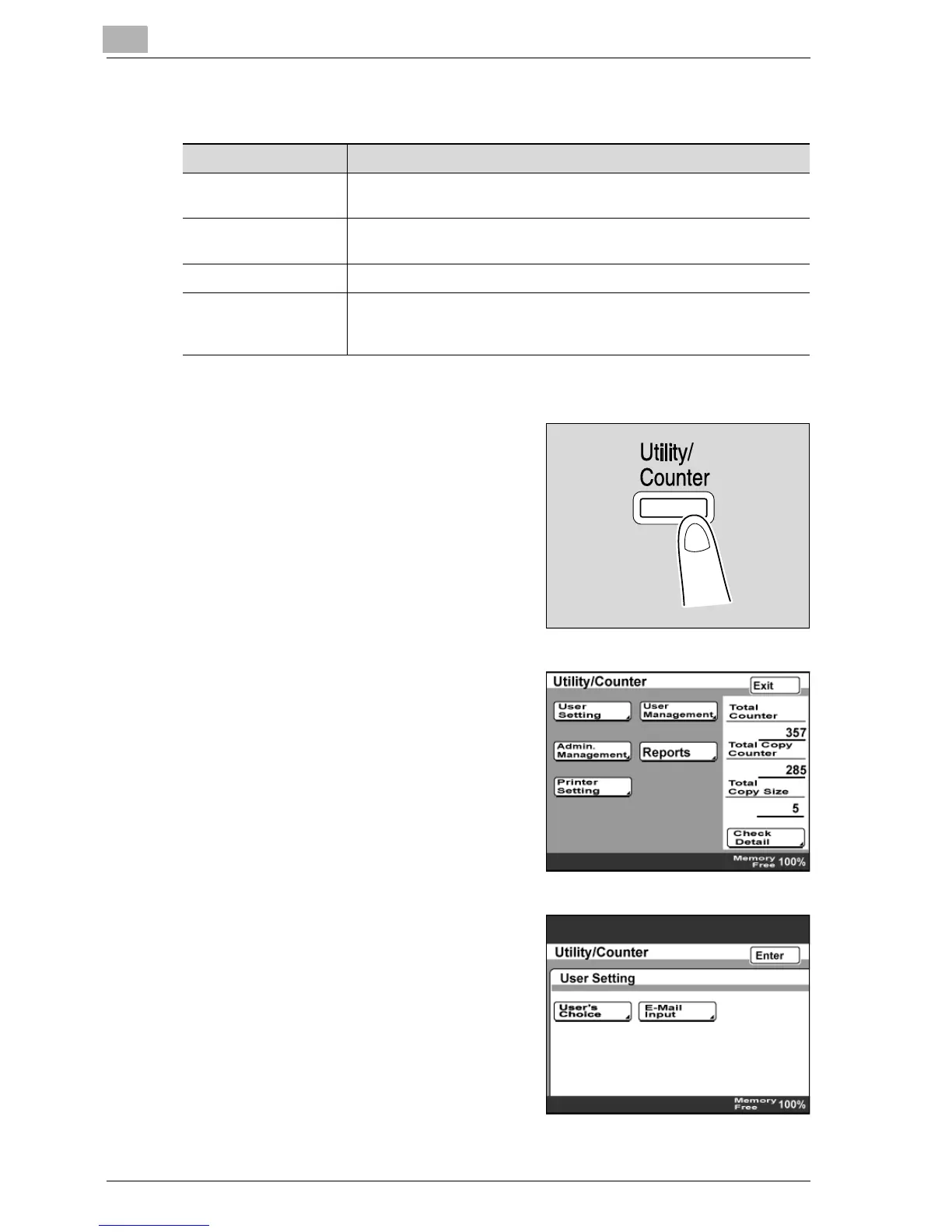
1 Press the [Utility/Counter] key.
2 Touch [User Setting].
3 Touch [E-Mail Input].
– If the optional fax kit has been
installed, touch [FAX].
Item Description
One-Touch Name Type in the destination name that will appear on the one-touch dial
button. Up to 12 characters can be entered.
Destination Type in the destination e-mail address. Up to 64 characters can be en-
tered.
File Type Select the file format (TIFF or PDF) for sending files.
Coding Method Select either "MH" or "MMR" as the encoding method for the selected
file format. The data capacity is lowest with "MMR" and highest with
"MH".



 To Next Page