Setup
3
VarioLink 2221/2821/3621 3-41
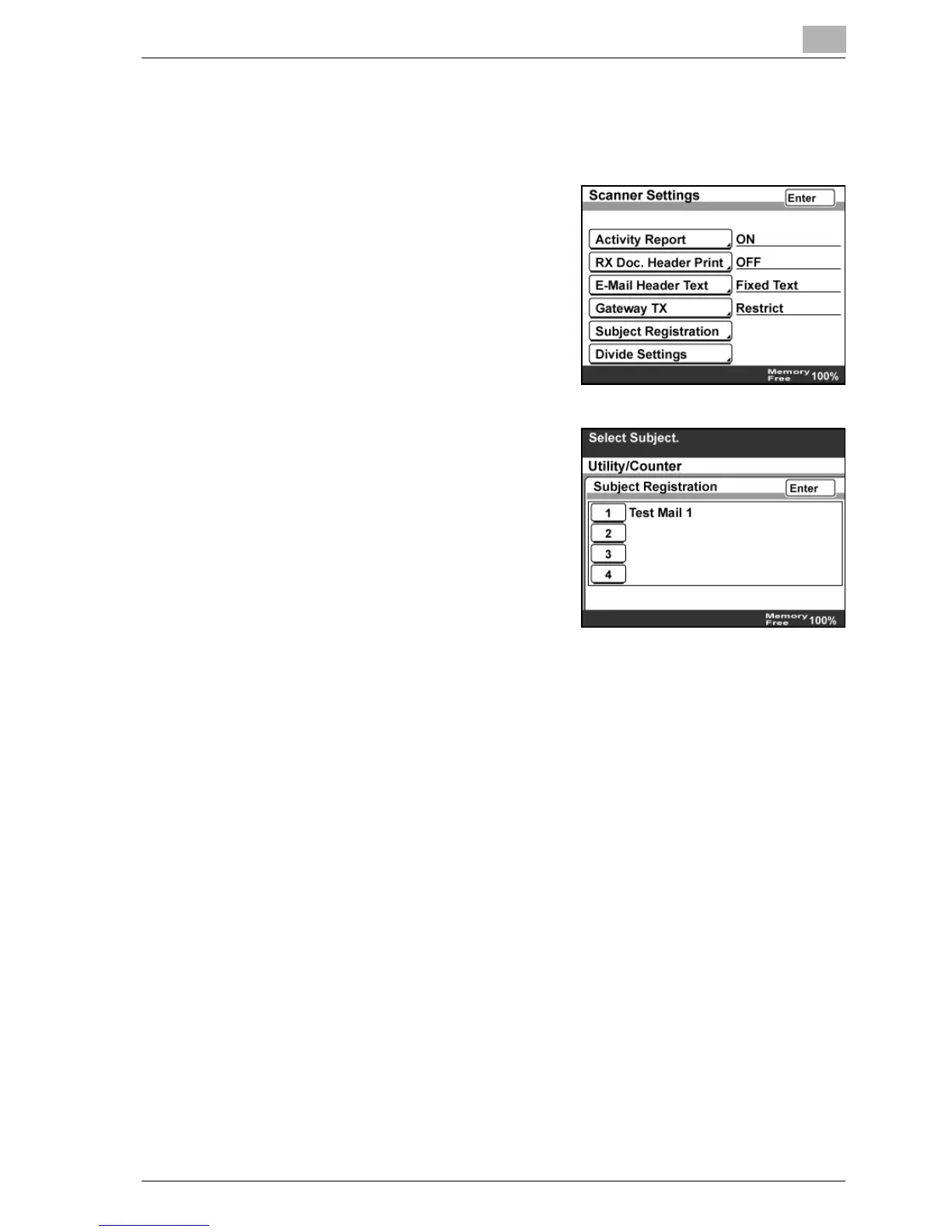
Subject Registration
1 In the Network Setting screen, touch [Scanner Settings].
2 Touch [Subject Registration].
3 Touch the number of the subject to
be registered or changed, type in the
text, and then touch [Enter].
4 Touch [Enter].



 To Next Page