5
Scan to FTP
5-12 VarioLink 2221/2821/3621
Original Size Set.
You can specify the scan area as a standard size. A portion of a large original
document as well as a non-standard-sized document can be sent in a
standard size.
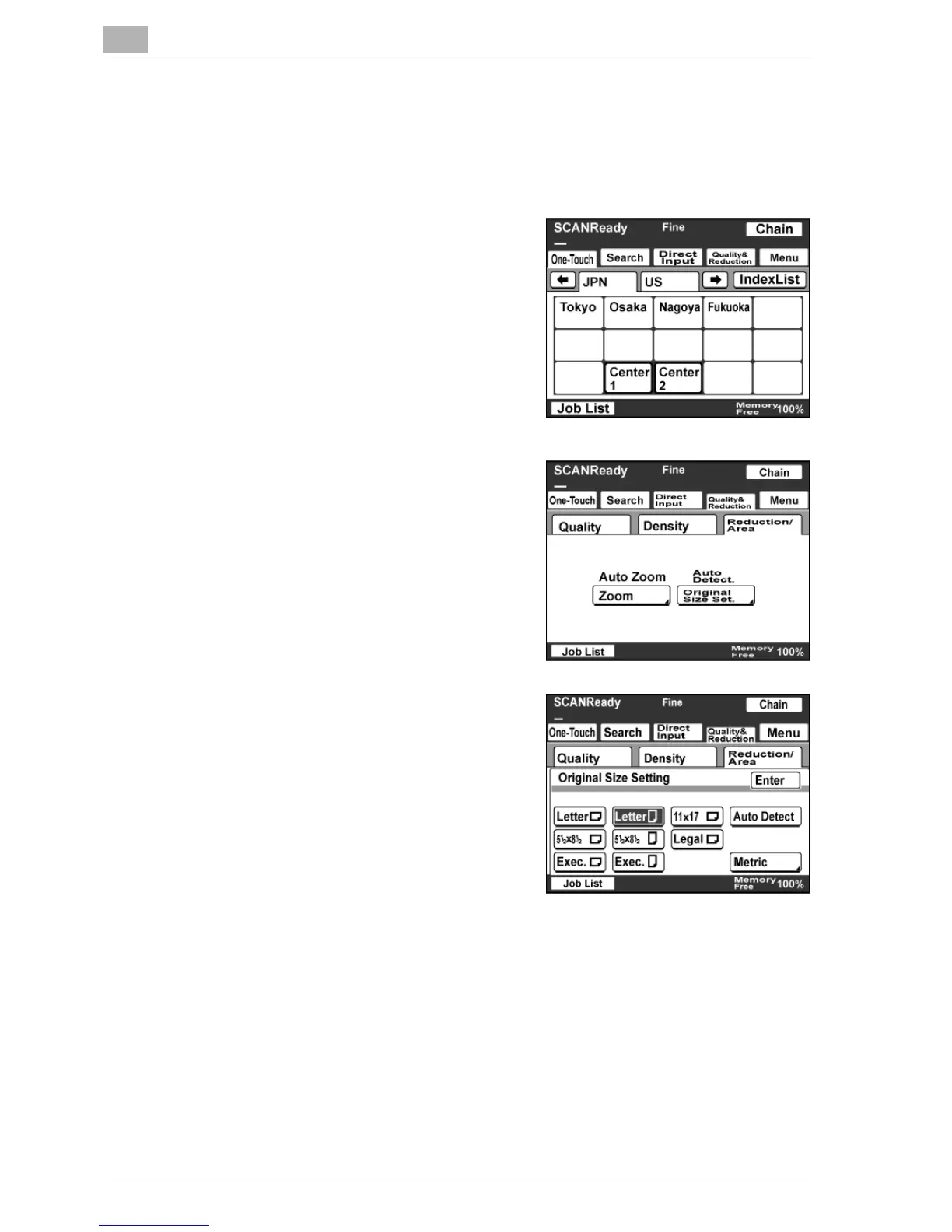
1 Touch [Quality & Reduction].
2 Touch [Reduction/Area], and then
touch [Original Size Set.].
– The "Zoom" parameter has no
effect, even if settings have been
specified.
3 Select a scan area size, and then
touch [Enter].
– Touch [Auto Detect] to
automatically select the size
closest to the size of the original
document. However, Letter size
is selected for documents smaller
than Letter size.
– Touch [Metric] to specify metric
sizes.



 To Next Page