7
Internet faxing
7-32 VarioLink 2221/2821/3621
Receiving Internet faxes manually
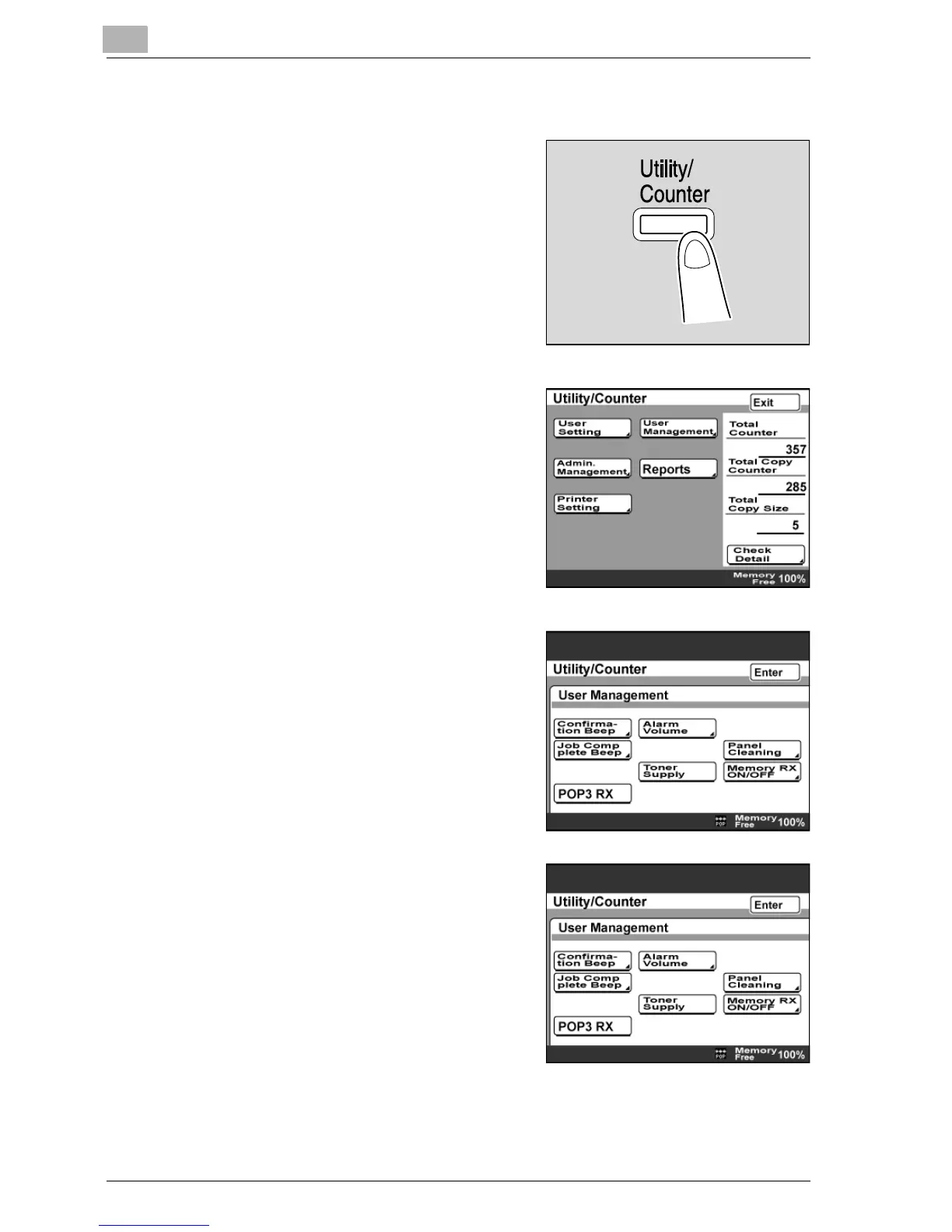
1 Press the [Utility/Counter] key.
2 Touch [User Management].
3 Touch [POP3 RX].
When an Internet fax has been
received by the POP3 server, it is
received and printed.
4 A mark is displayed at the bottom of
the screen during reception.
5 When reception is complete, touch [Enter] until the initial screen
appears.



 To Next Page