9
Specifying settings using Web Connection
9-92 VarioLink 2221/2821/3621
Deleting certificates
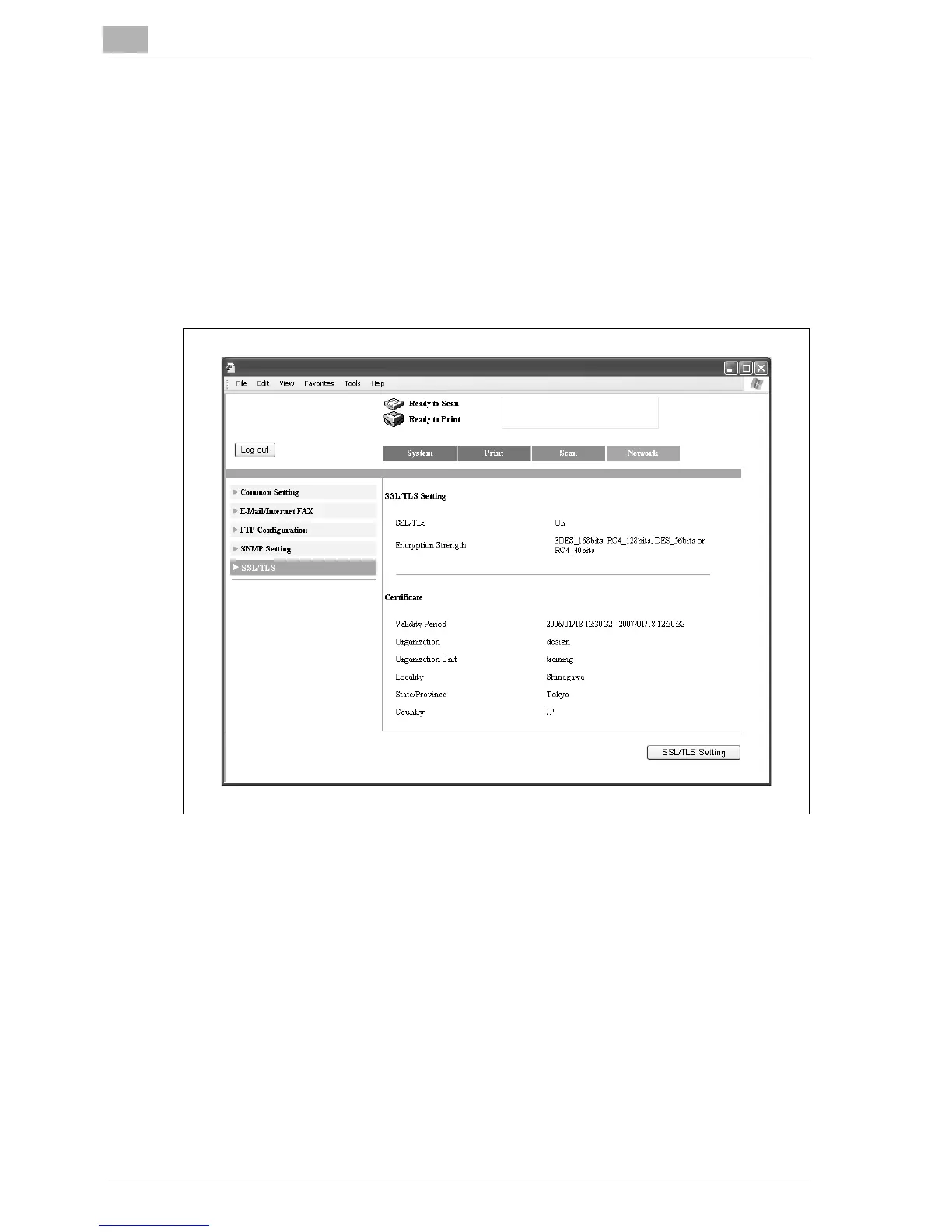
1 In the Administrator mode, click the Network tab.
– For the procedure to log on to Administrator mode, refer to
"Logging on to Administrator mode" on page 9-11.
2 Click [SSL/TLS].
3 Click [SSL/TLS Setting].
– If "Enhance Security" is set to "ON", certificates cannot be deleted.



 To Next Page