3
Setup
3-12 VarioLink 2221/2821/3621
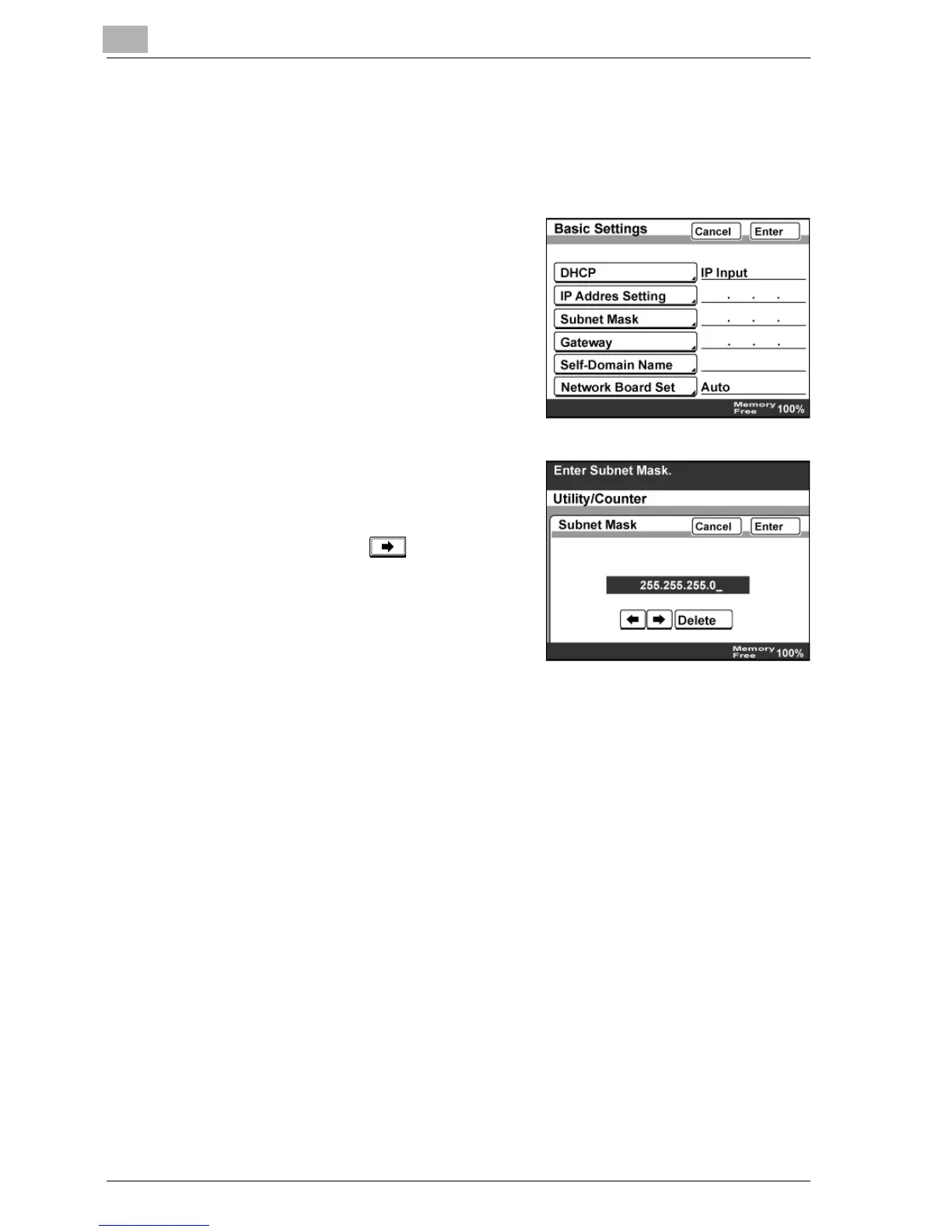
Subnet Mask
Specify a setting when "DHCP" is set to "IP Input".
1 In the Network Setting screen, touch [Basic Settings].
2 Touch [Subnet Mask].
3 Use the keypad to type in the IP
address.
– When less than three digits are
entered, use to move the
cursor to the next number.
4 Touch [Enter].



 To Next Page