Specifying settings using Web Connection
9
VarioLink 2221/2821/3621 9-21
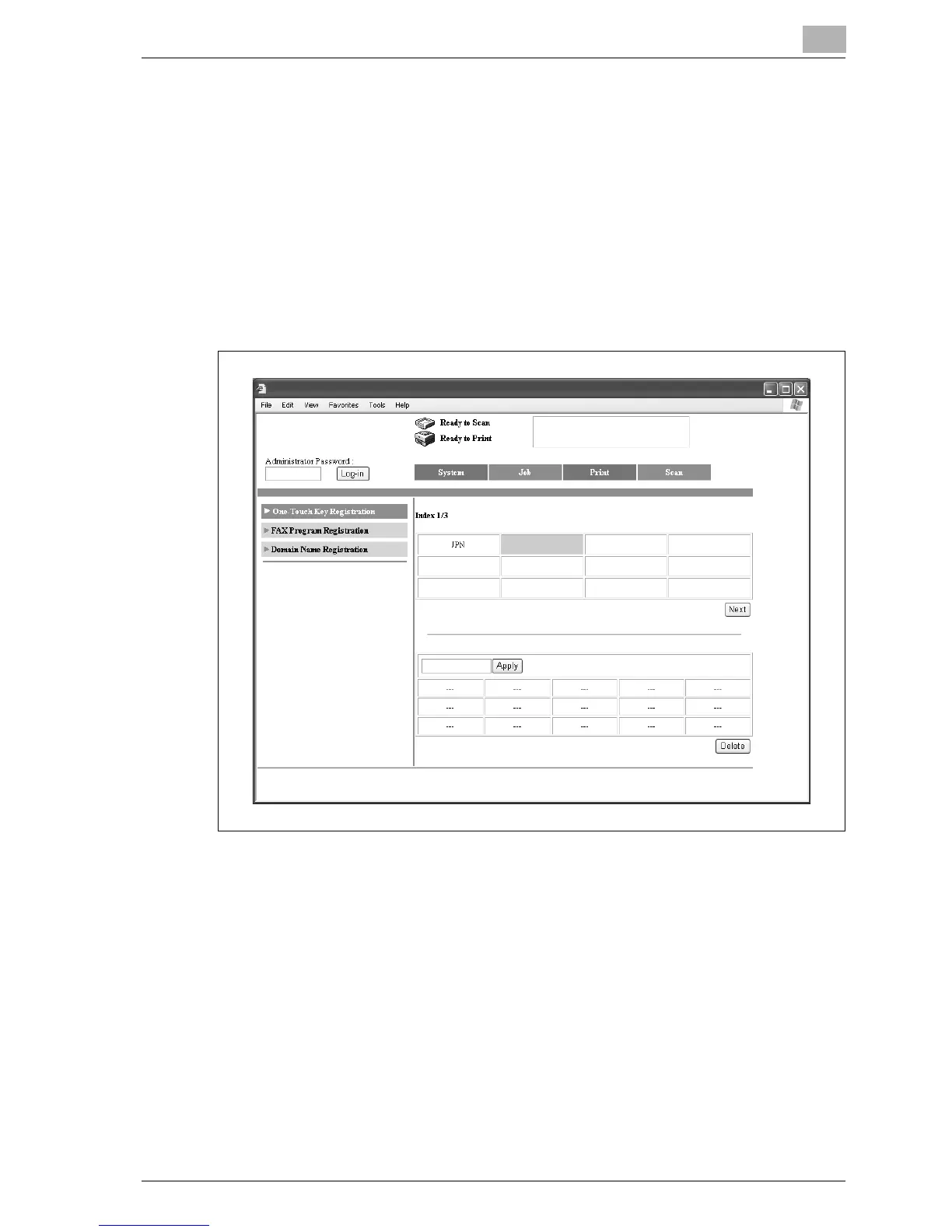
Naming an index
1 Click the Scan tab.
– If the optional fax kit has been installed, click the Fax/Scan tab.
2 Click [One-Touch Key Registration].
3 From the "Index" list (center table), click the index that is to be named.
The one-touch dial destinations that are saved in the selected index
appear in the lower half of the page.



 To Next Page