10
Specifying management settings
10-60 VarioLink 2221/2821/3621
Specifying settings for limiting user authentication to only Scan
functions (mode 479)
Specify whether or not user authentication is performed only when the
[Fax/Scan] or [Extra Scan] key is pressed.
Factory settings
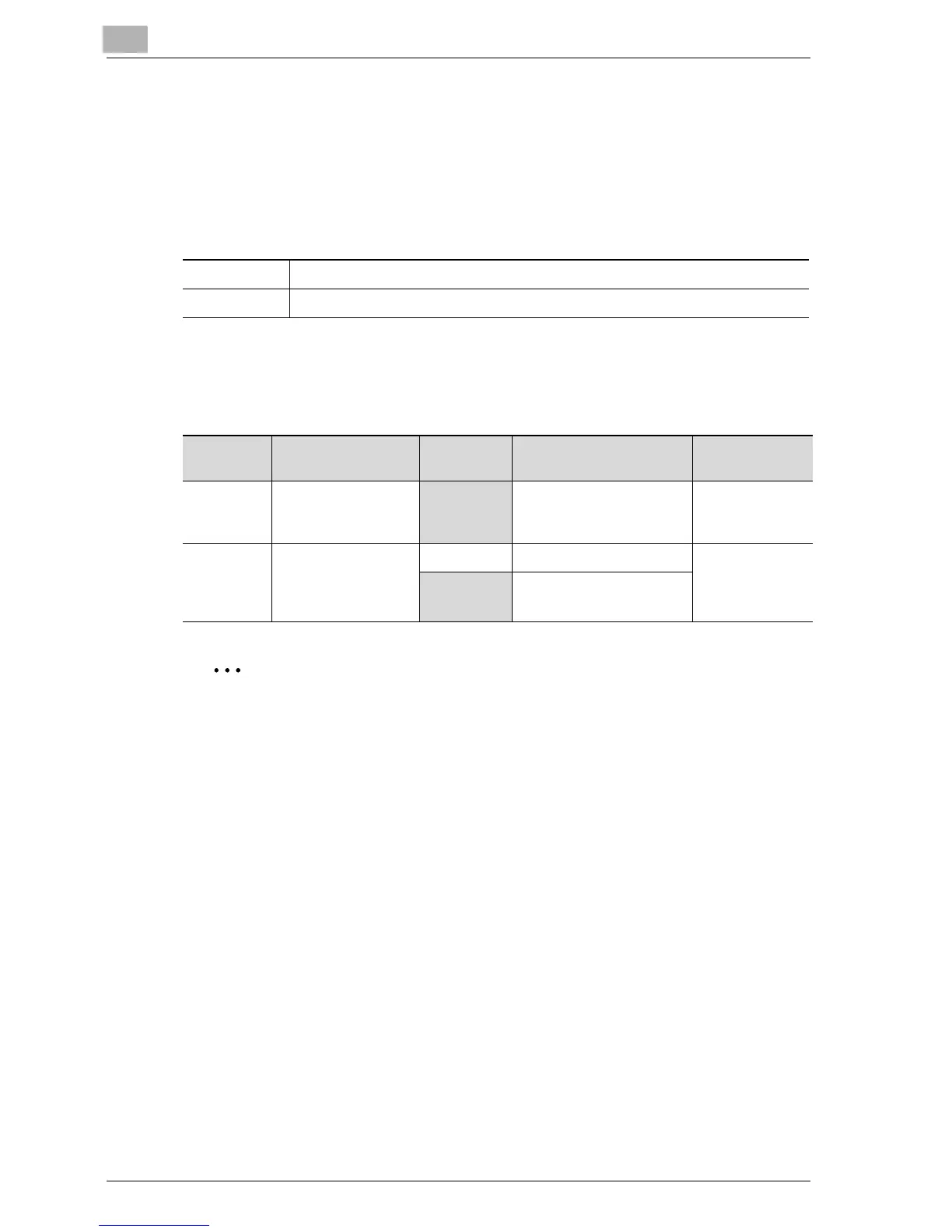
Specifying the setting
The shaded cells represent the factory settings. The page numbers on the
right refer to the descriptions of the corresponding functions.
Reminder
Do not specify settings for mode 479 other than those described in
"Specifying the setting".
Detail
If user authentication is limited to Scan functions, touch [Account/User
Auth.] in the Administrator Management 1 screen, and then select
"External Server" as the user authentication method. For details on the
external server authentication settings, refer to the User manual [Copy
Operations].
Bit 7 6 5 4 3 2 1 0
Setting 0 0 0 0 0 0 0 0 (HEX: 00)
Bit Description Setting Description Page Refer-
ence
7, 6, 5 ----------------------
000 *Do not change these bits
when specifying settings
for this function.
----------
4, 3, 2, 1, 0 Specifies whether or
not to limit authenti-
cation on Fax and
Scan functions.
11001 Limited ----------
00000 Not limited



 To Next Page