Scan function troubleshooting
12
VarioLink 2221/2821/3621 12-3
12 Scan function troubleshooting
12.1 When the following are displayed
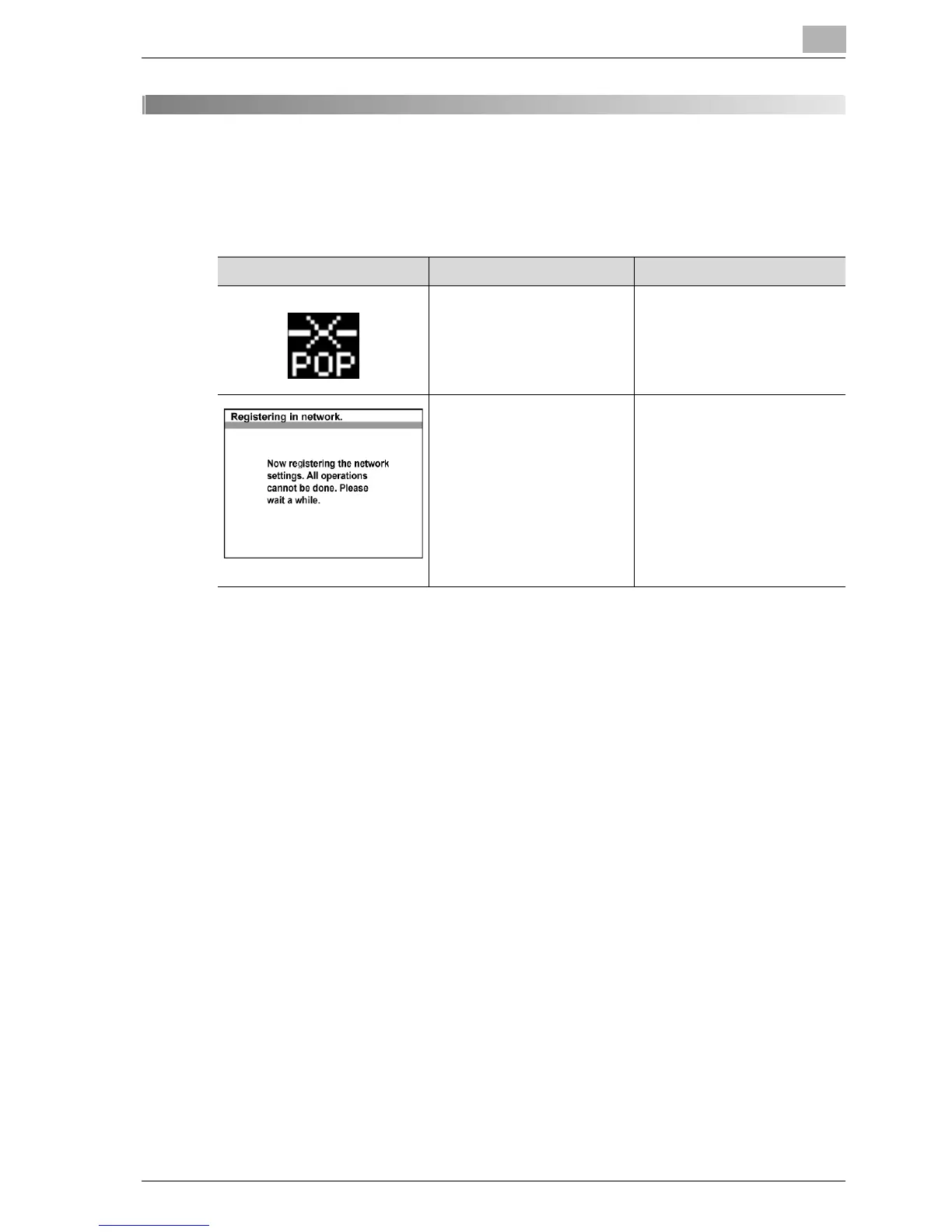
Screen Cause Action
POP3 reception fails. Check that the POP3 user
name and password are cor-
rectly specified.
The administrator is logged
on from a computer on the
network.
Wait until the administrator
operation are completed and
the administrator has logged
out.
If the administrator closes the
Web browser without logging
out, the administrator must log
in again and log off correctly.



 To Next Page