Scan to FTP
5
VarioLink 2221/2821/3621 5-7
Searching for a one-touch dial button
To find a one-touch dial button, the name of a destination registered with the
button can be searched for.
1 Position the document to be scanned.
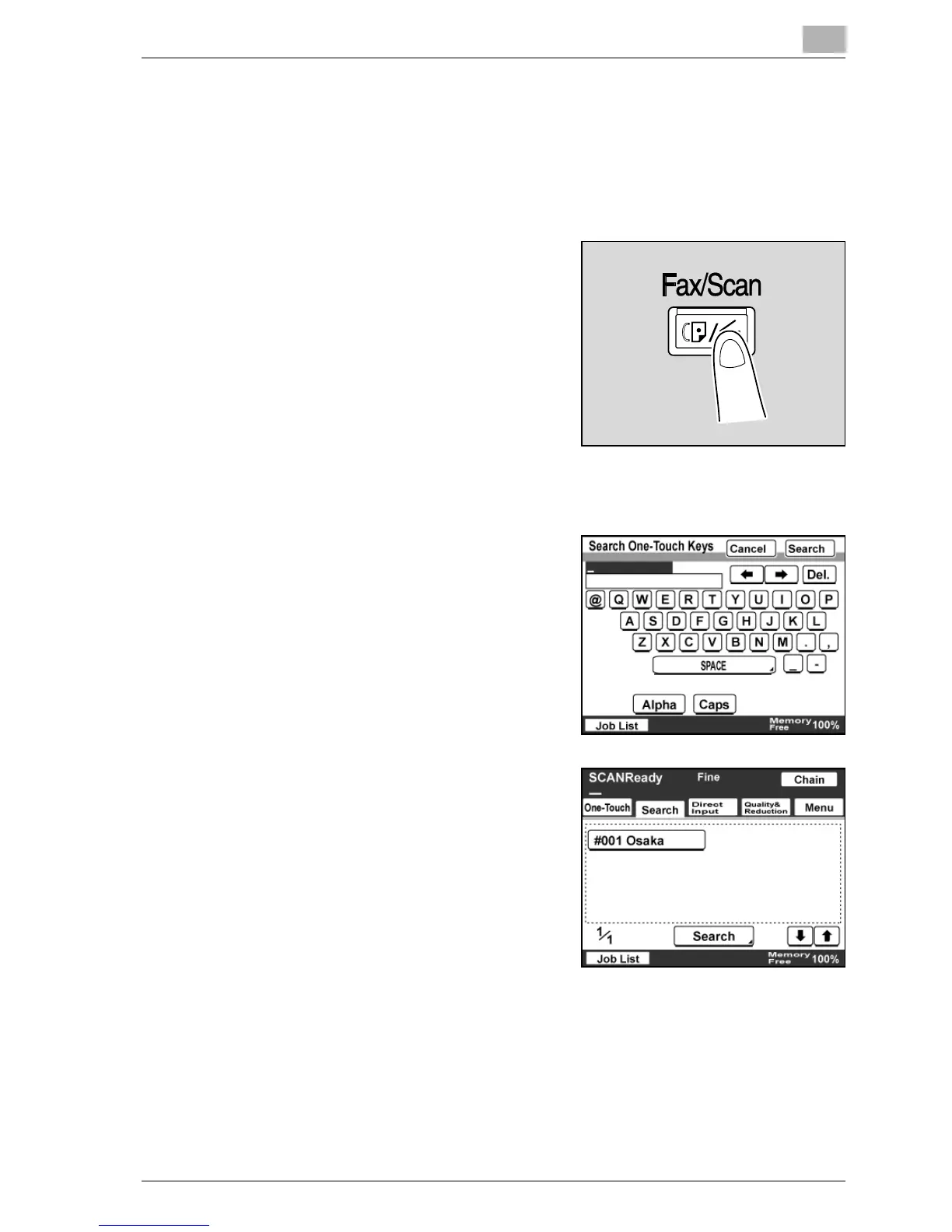
2 Press the [Fax/Scan] key.
3 Touch [Search].
4 Type in the destination name, and
then touch [Search].
A screen appears, containing the
one-touch dial buttons programmed
with a destination that begins with
the entered name.
5 Touch the desired one-touch dial
button.
– You can specify multiple
destinations for simultaneous
transmission with the same one-
touch dial button. Up to 300
destinations can be specified at a
time.



 To Next Page