7
Internet faxing
7-18 VarioLink 2221/2821/3621
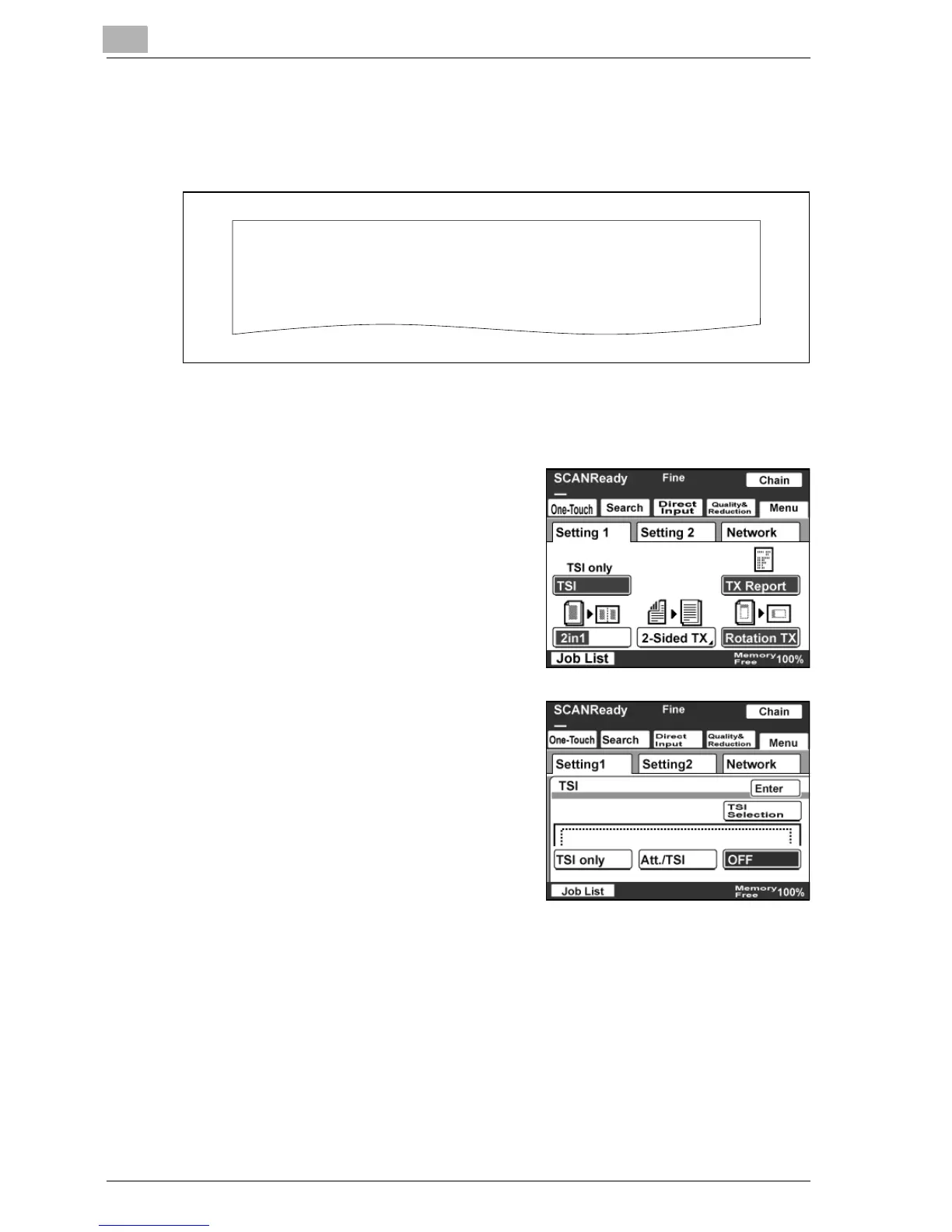
Specifying the transmission source setting
Entered text such as the name, fax number, and address can be printed at
the top of the output page.
1 Touch [Menu].
– If the optional fax kit has been installed, touch [FAX Menu].
2 Touch [Setting 1], then [TSI].
– If the optional fax kit has been
installed, touch [Set 1], then [TSI].
3 Select the desired type of
transmission source information.
4 To print the transmission source information, touch [TSI Selection].
FROM: NEW YORK
Image data has been attached to the e-mail.



 To Next Page