Specifying management settings
10
VarioLink 2221/2821/3621 10-19
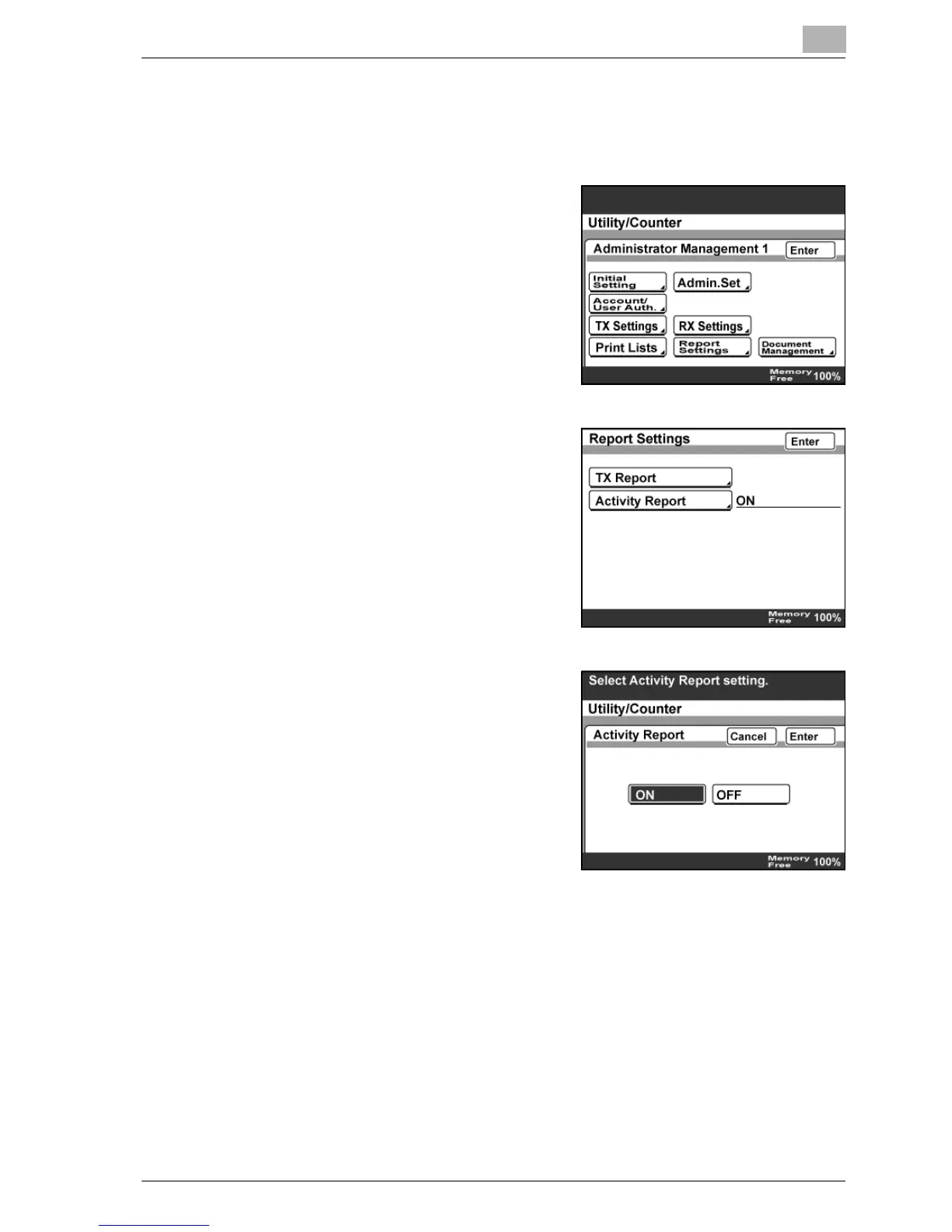
Specifying the Activity Report settings
1 Enter Administrator mode, and then touch [Admin. 1].
2 Touch [Report Settings].
3 Touch [Activity Report].
4 Specify the settings, and then touch
[Enter].
5 Touch [Enter] until the initial screen appears.



 To Next Page