8
Using an LDAP server
8-6 VarioLink 2221/2821/3621
8.2 Registering destination information to one-touch dial
buttons
To register destination information to a one-touch dial button
If bit 7 of mode 466 is set to "1" in the Soft SW Setting screen, you must log
on with external server authentication before an LDAP search can be
performed.
1 Press the [Utility/Counter] key.
2 Touch [User Setting].
3 Touch [E-Mail Input].
– If the optional fax kit has been installed, touch [FAX].
4 Touch [One-Touch].
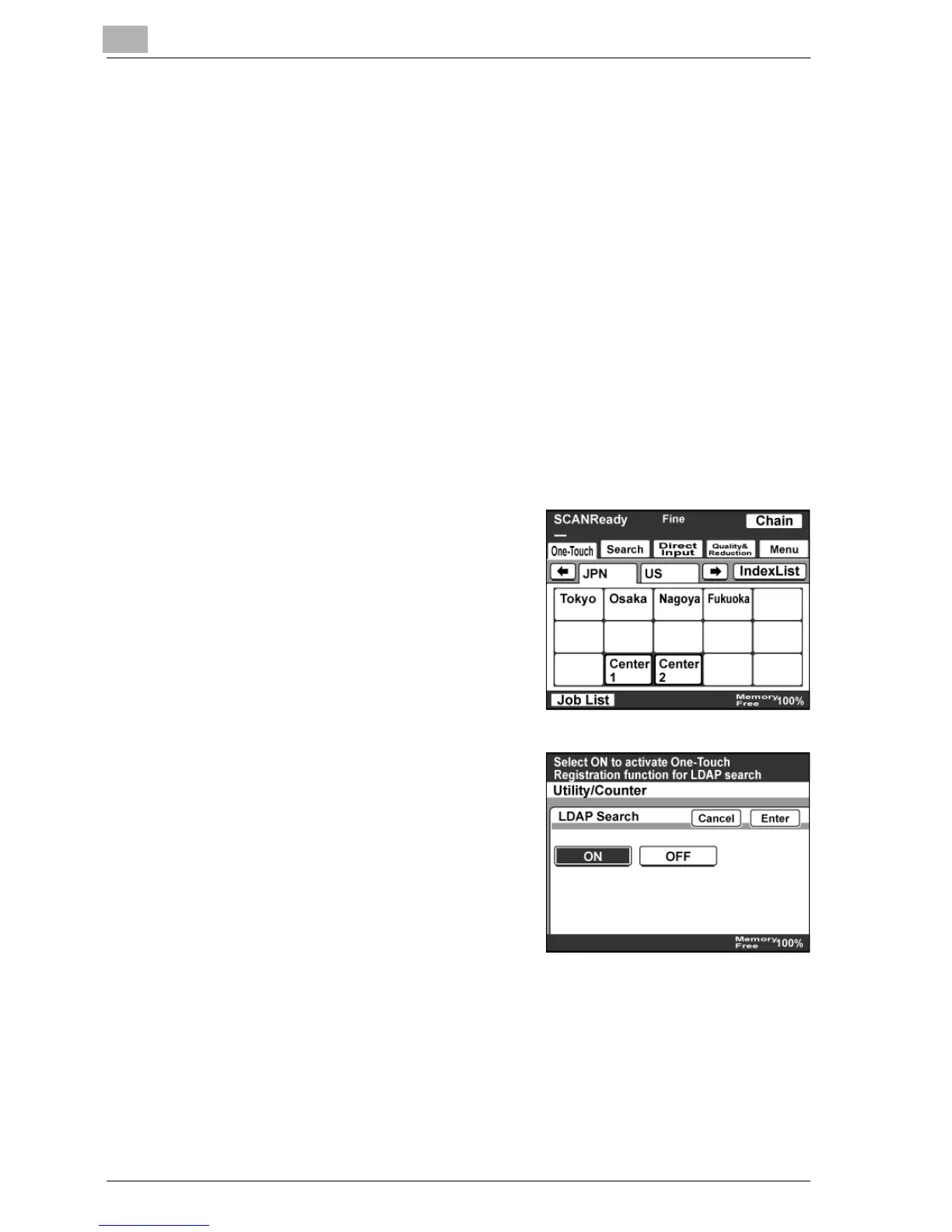
5 Select the one-touch dial button to
be programmed.
6 On the LDAP Search screen, touch
[ON], and then touch [Enter].



 To Next Page