Scan to FTP
5
VarioLink 2221/2821/3621 5-5
Entering the number of a one-touch dial button
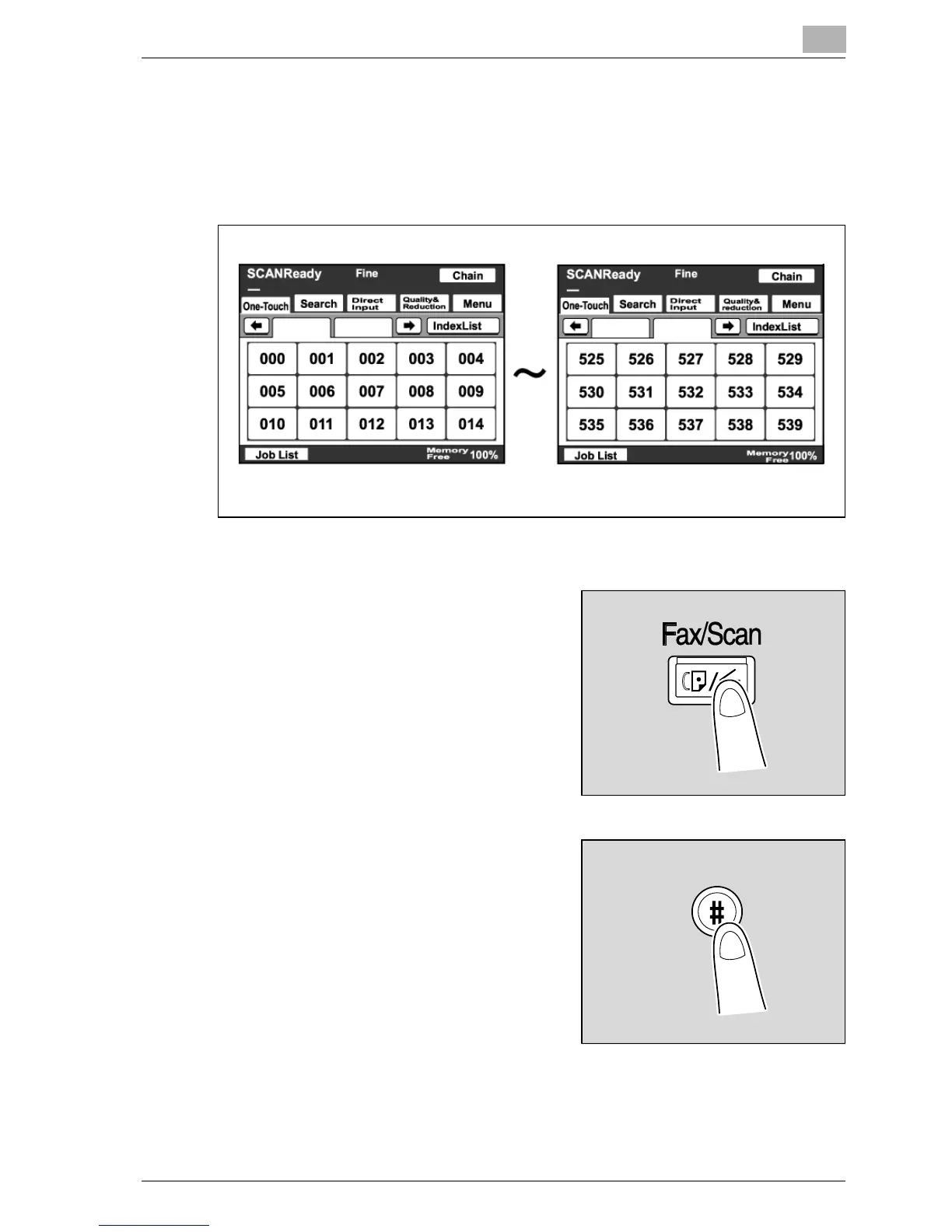
A one-touch dial button is assigned a number, as shown in the illustration.
You can quickly select a destination by specifying the number of a one-touch
dial button instead the button.
1 Position the document to be scanned.
2 Press the [Fax/Scan] key.
3 Press the [#] key on the control
panel.



 To Next Page