10
Specifying management settings
10-20 VarioLink 2221/2821/3621
10.6 Forwarding a transmission document to a specified
destination (TX Forwarding)
In order to control the documents sent from this machine, you can specify to
have a sent document forwarded to a destination specified by the
administrator.
Detail
Select the forwarding destination with a one-touch dial button. Be sure to
first register the forwarding destination with a one-touch dial button.
A document that was sent, then forwarded cannot be forwarded to the
administrator.
Specifying the forwarding destination
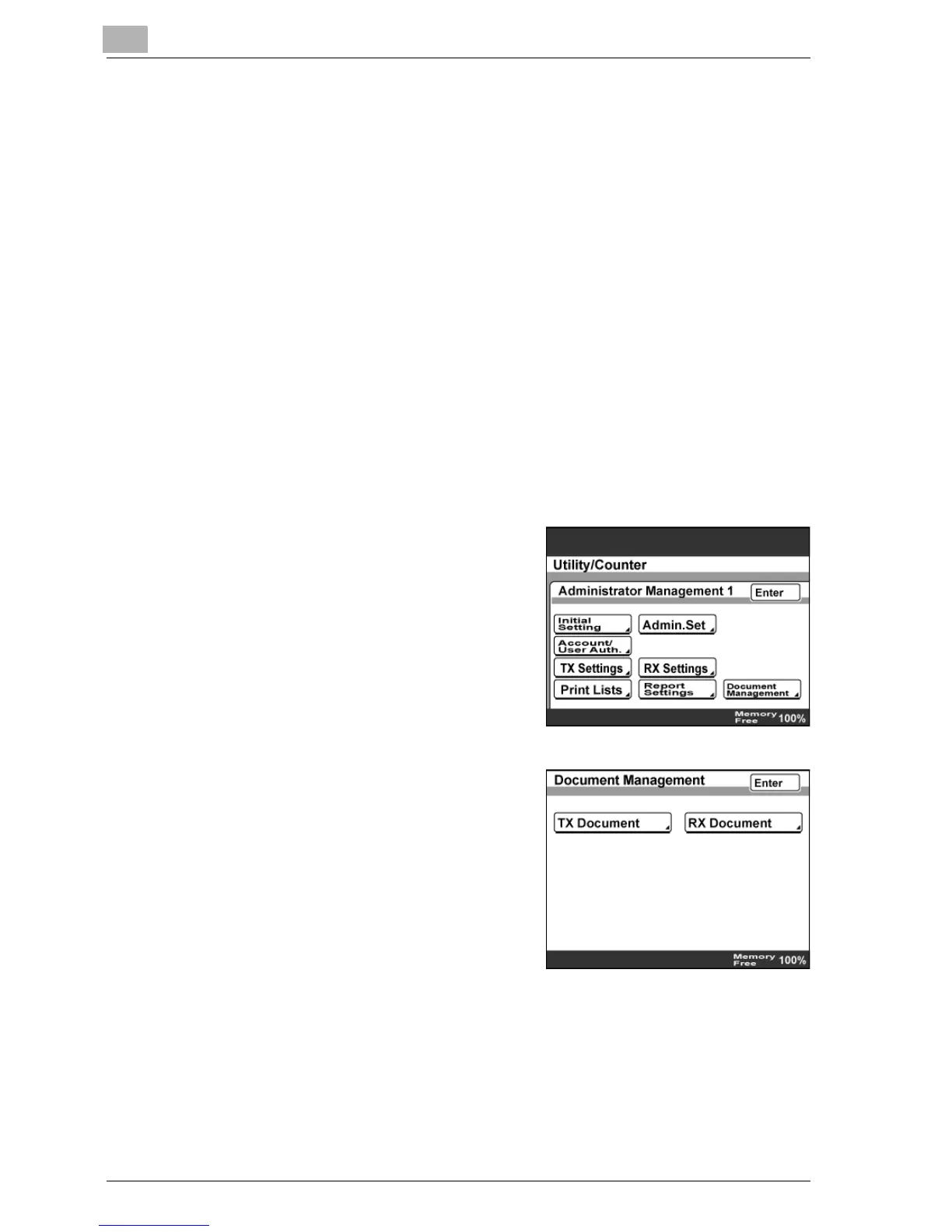
1 Enter Administrator mode, and then touch [Admin. 1].
2 Touch [Document Management].
3 Touch [TX Document].



 To Next Page