10
Specifying management settings
10-4 VarioLink 2221/2821/3621
Administrator Management 2
Reminder
If the [Utility/Counter] key was pressed to register items and specify
settings, be sure to press the [Reset] key in the control panel after
returning to the initial screen.
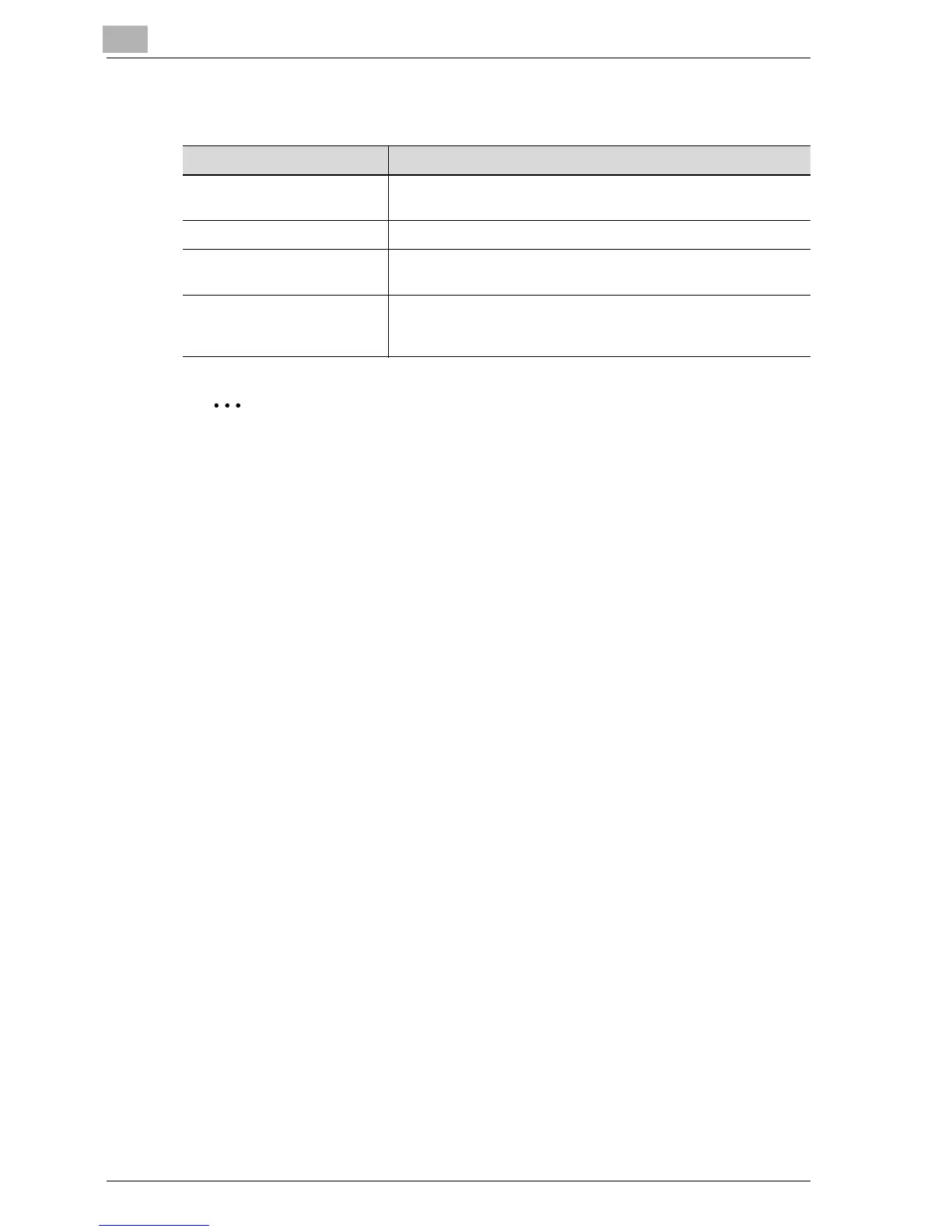
Item Description
Network Settings Specifies the required settings for using this machine over a net-
work. For details, refer to Chapter 2, "Setup" on page 3-3.
Software SW Specifies function status settings.
Ping Checks whether this machine is connected to a network. For
details, refer to Chapter 2, "Setup" on page 3-3.
SSL/TLS When SSL/TLS is enabled, the communication between the ma-
chine and the client computer can be encrypted. Specifies the
creation, deletion, or encryption of certificates.



 To Next Page