Specifying settings using Web Connection
9
VarioLink 2221/2821/3621 9-33
9.4 FAX Program Registration (User mode)
Fax programs can be registered as one-touch dial destinations. Unlike the
one-touch dial destination where only recipients can be registered, scan
settings and multiple recipients can be registered. The registered data can
also be changed or deleted.
Note
Up to 30 fax programs can be registered. However, the total number of
one-touch dial destinations and fax programs must not exceed 540.
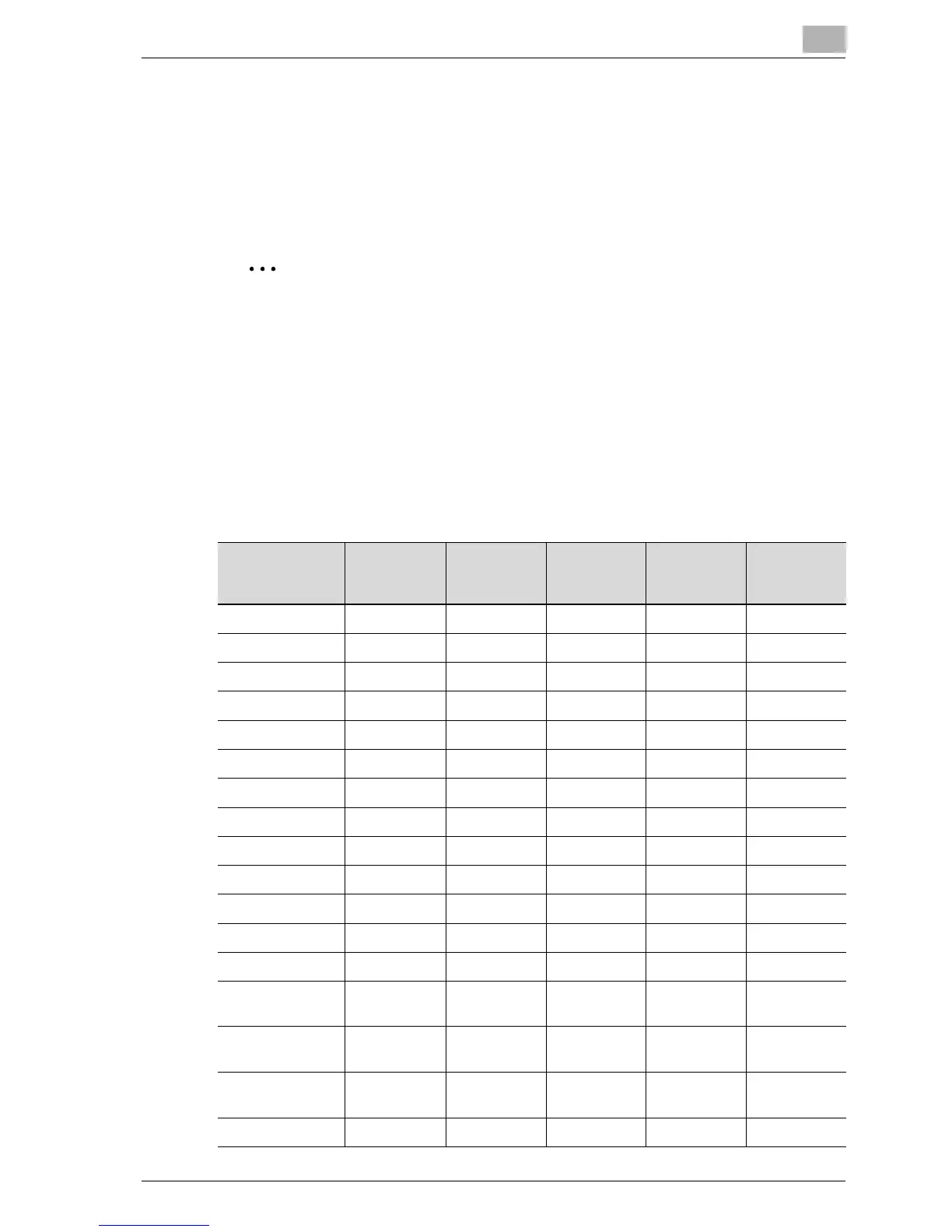
Some functions or parameters registered with a fax program have no effect
depending on the operation performed, as shown in the following table. For
details on each function and parameter, refer to the appropriate page.
o : Has an effect
+ : Has an effect under certain conditions
– : Does not have an effect
Operation
Function/
Parameter
Scan to
E-Mail
Scan to FTP Scan to
SMB
Scan to
HDD
Internet fax
Original Type ooooo
Density ooooo
Reduction – – – – –
Scan Area ooooo
TSI – – – – o
Dest. Insert – – – – o
TX Report ooooo
2in1 ooooo
2-Sided TX ooooo
Rotation TX – – – – +
Priority TX ooooo
Timer ooooo
Stamp +++++
Subject Selec-
tion
o –––+
Set Reply E-Mail
Address
o –––+
E-Mail Notifica-
tion Destination
– ooo–
Set File Name oooo+



 To Next Page