Setup
3
VarioLink 2221/2821/3621 3-29
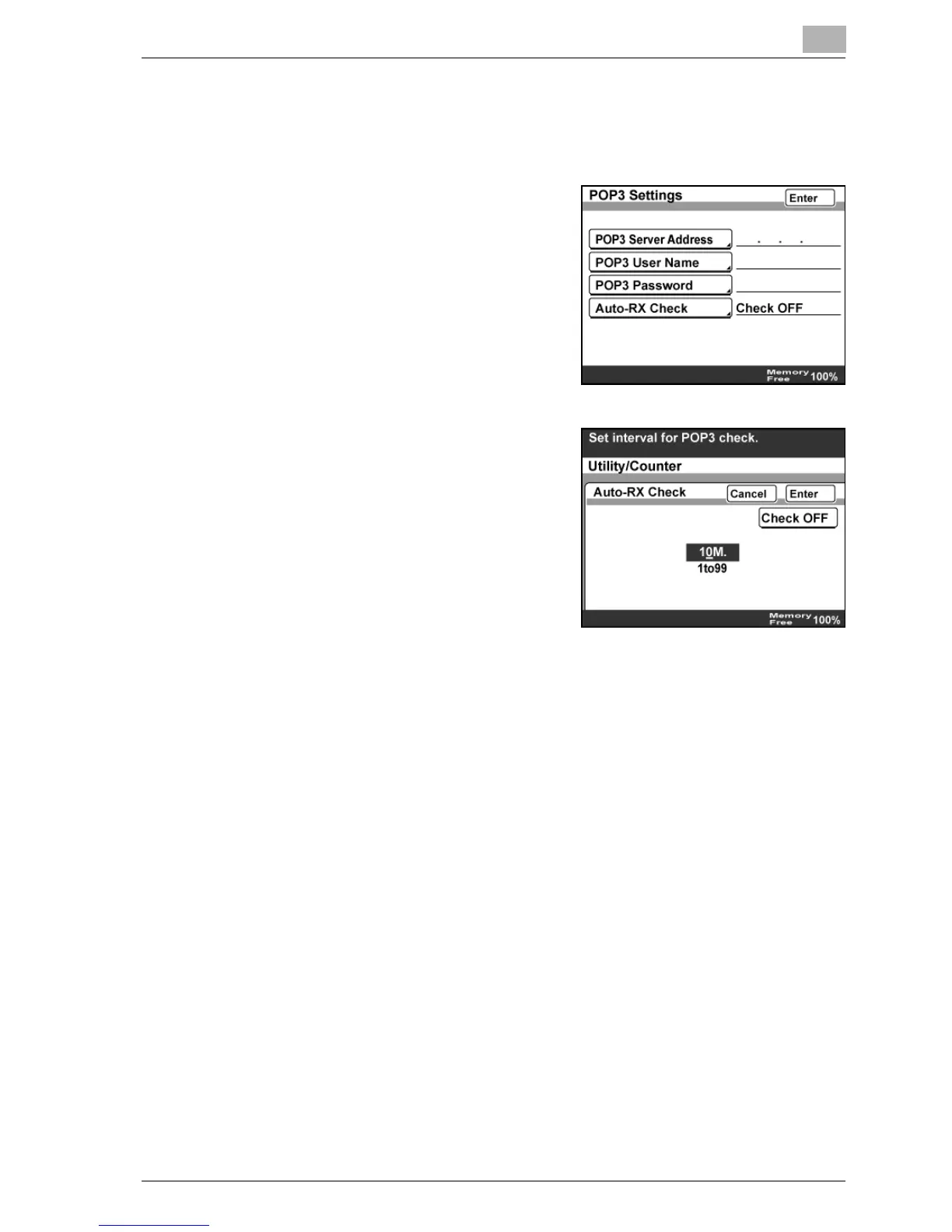
Auto-RX Check
1 In the Network Setting screen, touch [POP3 Settings].
2 Touch [Auto-RX Check].
3 Type in the interval for POP3
reception using the keypad, and then
touch [Enter].
– If POP3 reception is not to be
performed automatically, touch
[Check OFF].



 To Next Page