Reports and lists
11
VarioLink 2221/2821/3621 11-9
11.3 Checking the destinations registered in one-touch
dial buttons (One-Touch List)
You can print a list of the destinations registered with one-touch dial buttons.
Printing the One-Touch List
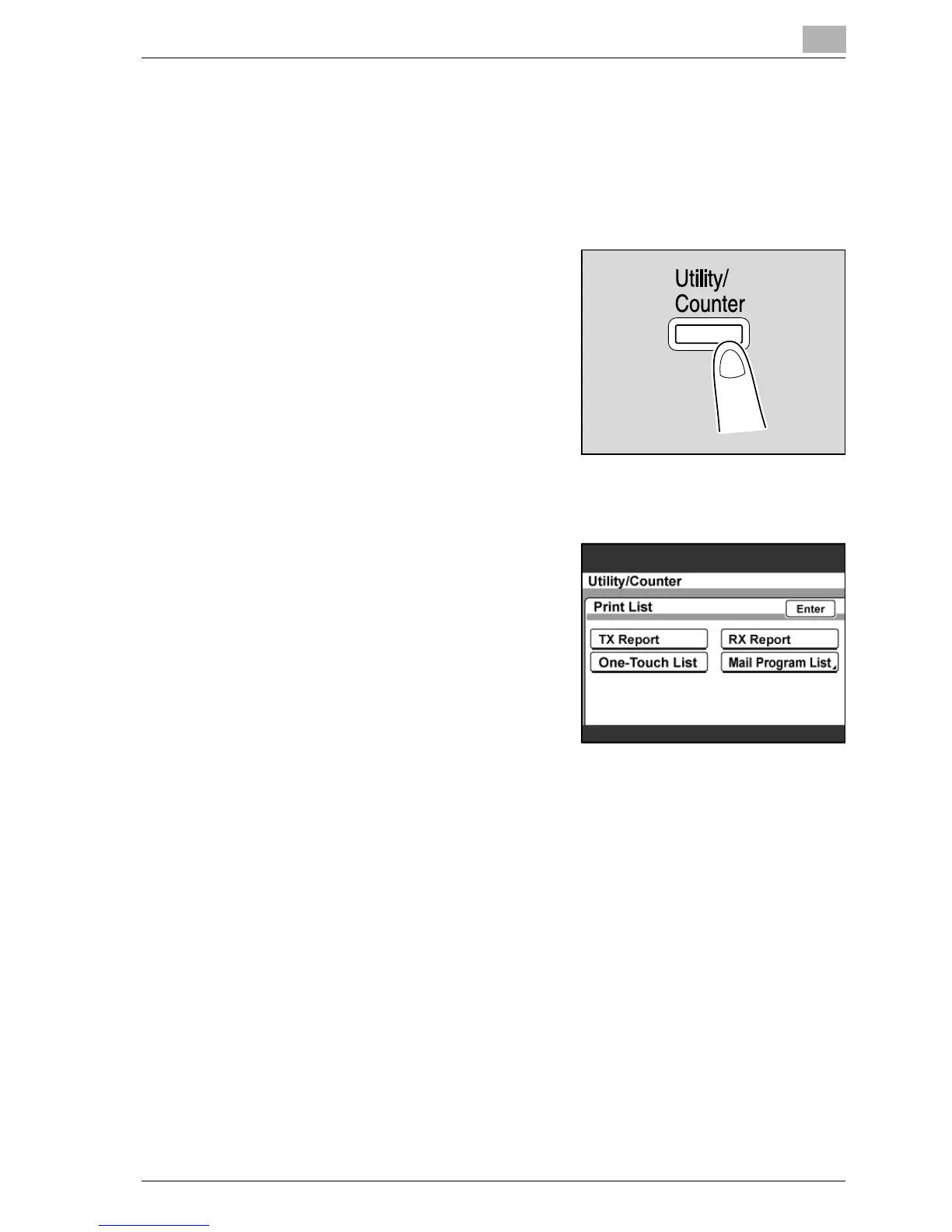
1 Press the [Utility/Counter] key.
2 Touch [Reports].
3 Touch [One-Touch List].
The one-touch list is printed.



 To Next Page