3
Setup
3-18 VarioLink 2221/2821/3621
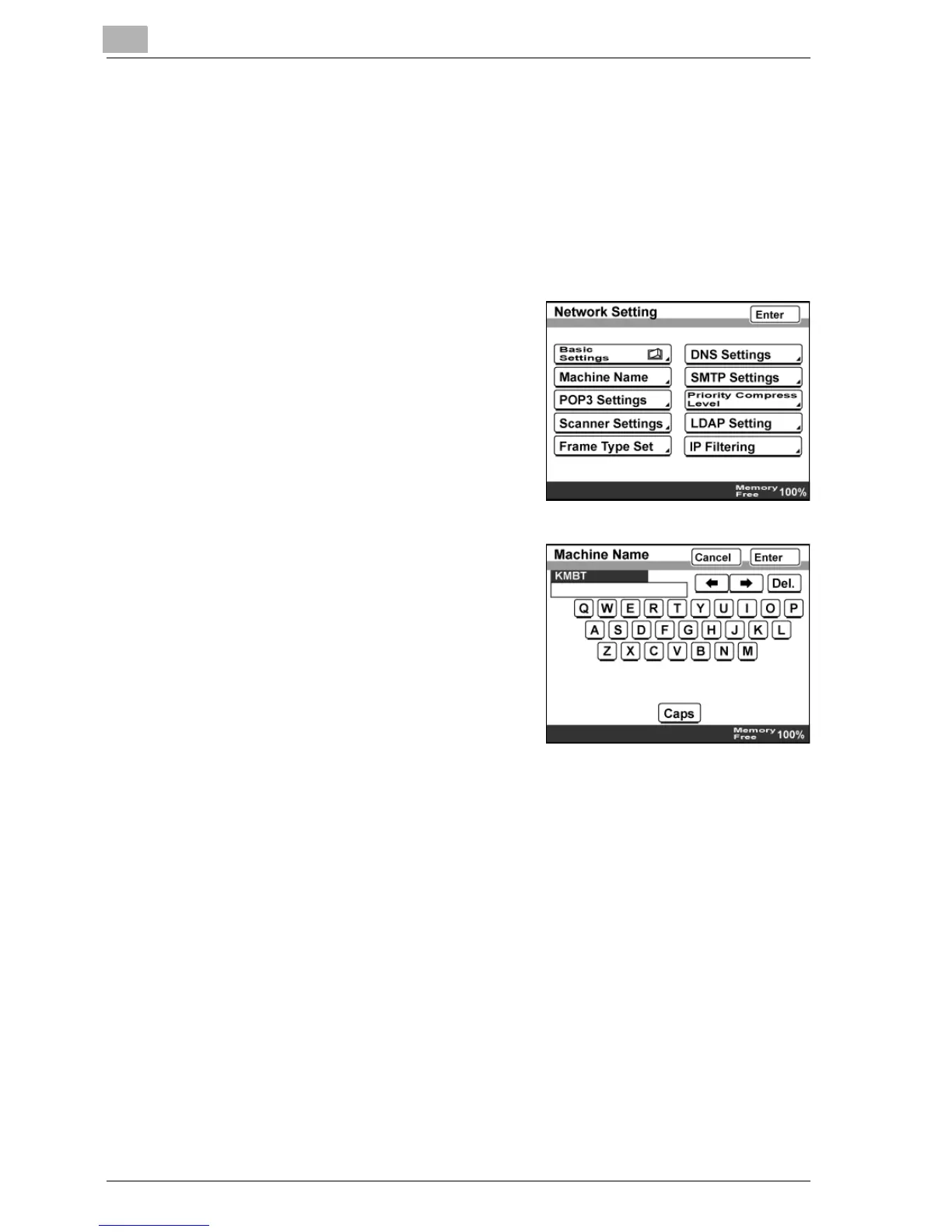
3.5 Machine Name
Specify the name of this machine.
The machine name is used as part of the file name with Scan to E-Mail, Scan
to FTP, Scan to SMB, Scan to HDD, and Internet faxing. In addition, part of
the Subject line is used in Scan to E-Mail and Internet fax transmissions.
To specify the machine name
1 In the Network Setting screen, touch
[Machine Name].
2 Enter the machine name.
– Up to 16 alphanumeric
characters can be entered.
3 Touch [Enter].



 To Next Page