3
Setup
3-28 VarioLink 2221/2821/3621
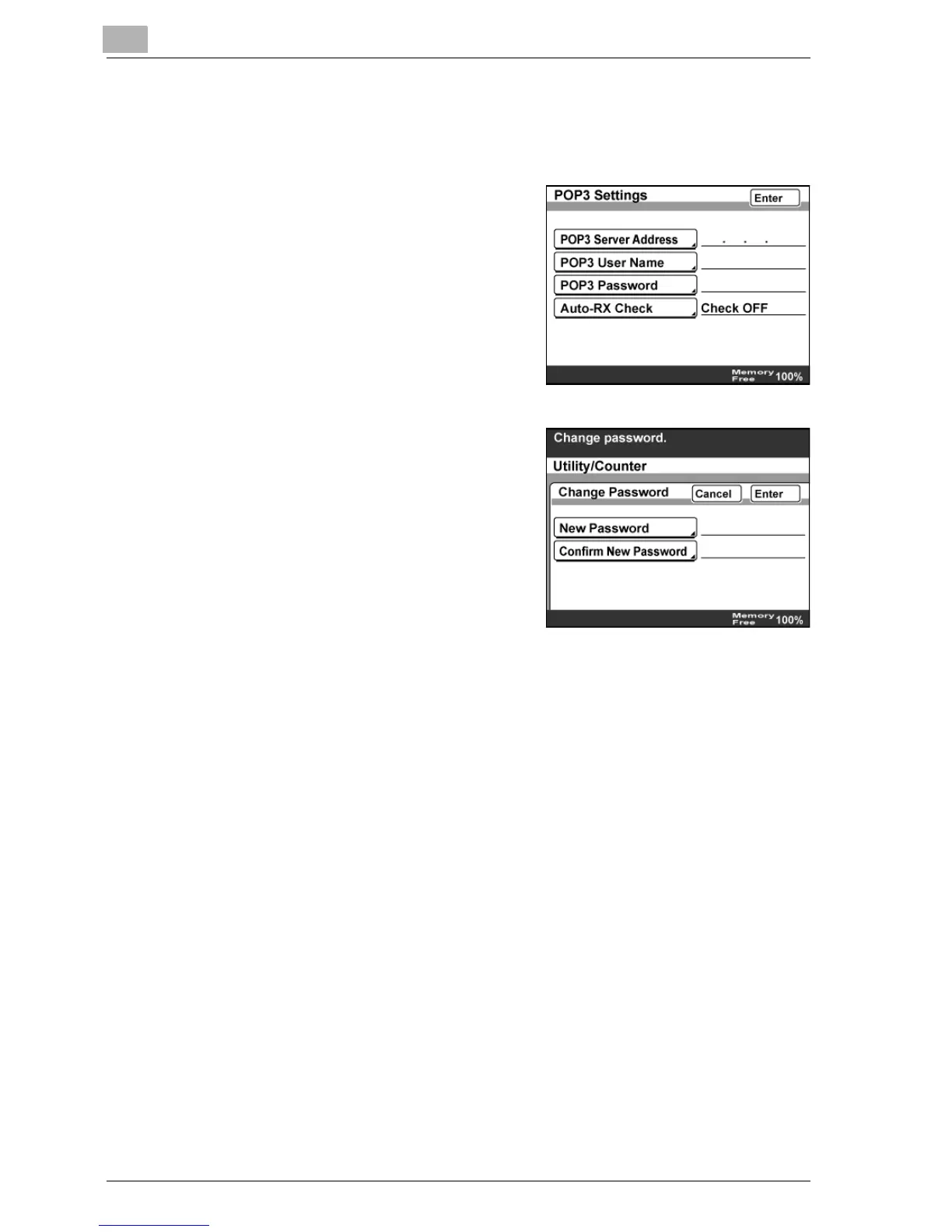
POP3 Password
1 In the Network Setting screen, touch [POP3 Settings].
2 Touch [POP3 Password].
3 Touch [New Password], type in the
POP3 password, and then touch
[Enter].
4 Touch [Confirm New Password], type in the SMTP password again,
and then touch [Enter].



 To Next Page