3
Setup
3-58 VarioLink 2221/2821/3621
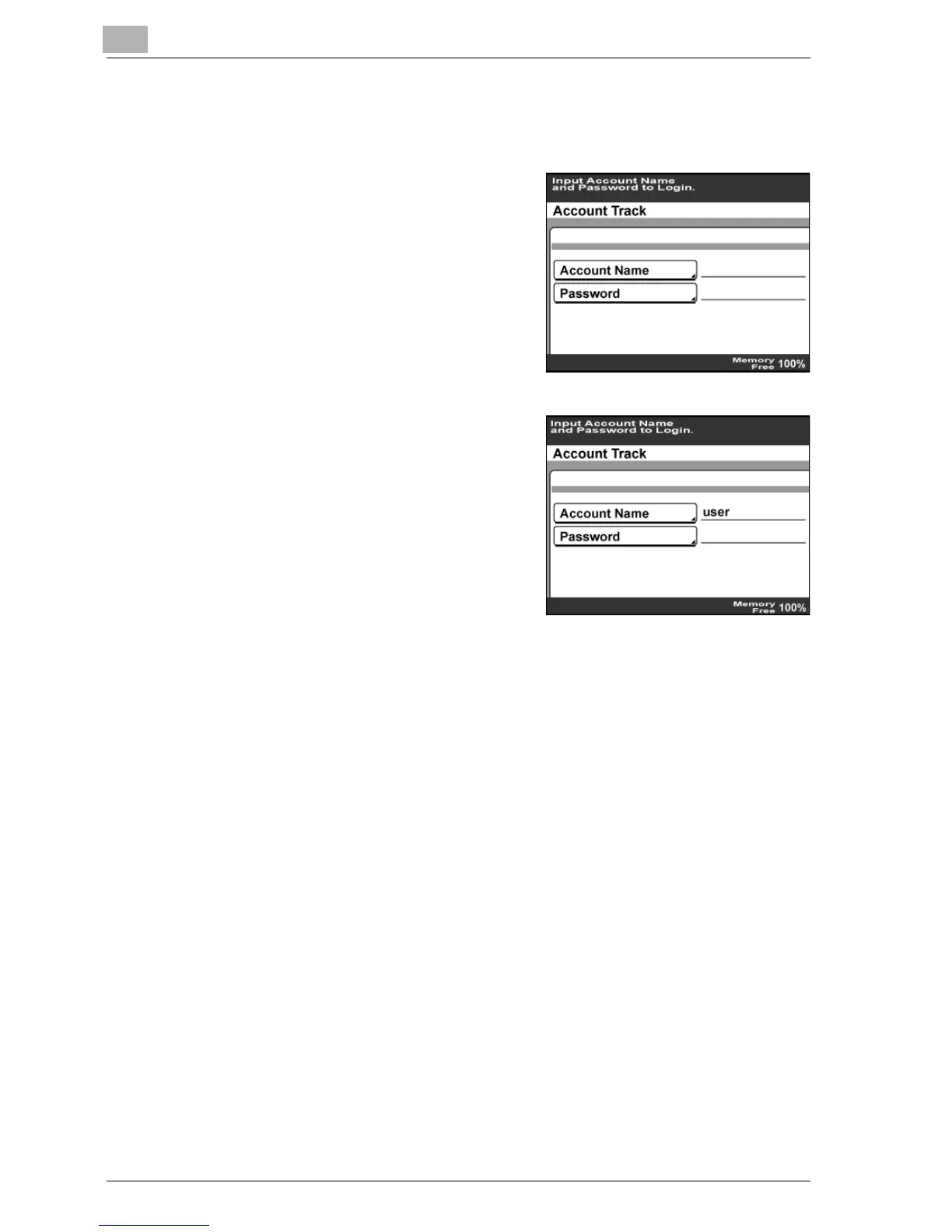
If account track settings have been specified
Contact the administrator for the track name and password to be used.
1 Touch [Account Name], type in the
account number, and then touch
[Enter].
2 Touch [Password], type in the
password, and then touch [Enter].
3 Press the [Access] key on the control panel.
The initial screen appears.



 To Next Page