Specifying management settings
10
VarioLink 2221/2821/3621 10-37
Specifying Internet fax settings (mode 350)
You can specify the Internet fax capabilities of the destination machine and
POP3 settings.
Factory settings
Specifying settings
The shaded cells represent the factory settings. The page numbers on the
right refer to the descriptions of the corresponding functions.
Bit 7 6 5 4 3 2 1 0
Setting 1 0 1 0 1 0 0 0 (HEX: A8)
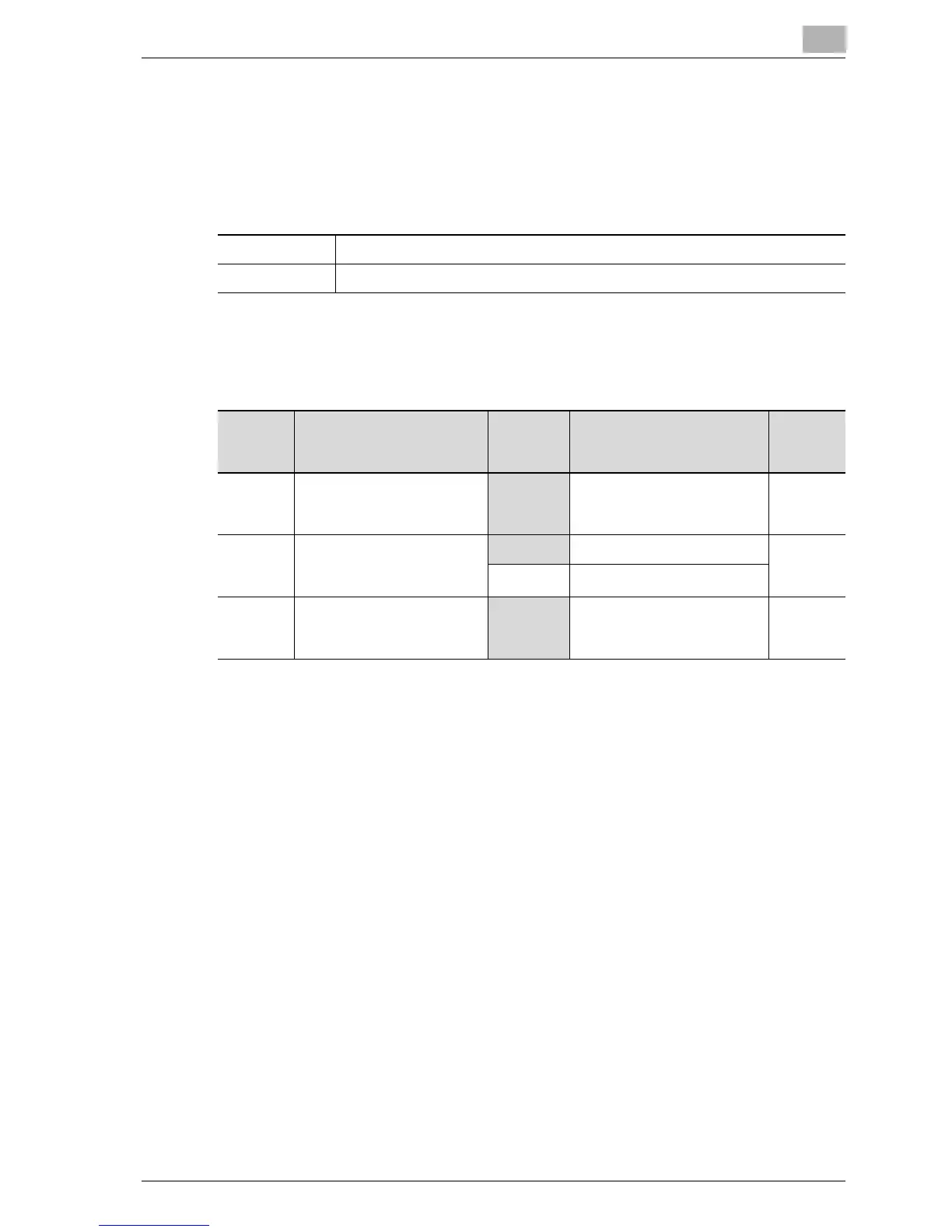
Bit Description Setting Description Page
Refer-
ence
7 ----------------------------
1 *Do not change this bit when
specifying settings for this
function.
---------
6 Specifies whether to enable
a confirmation (POP3) be-
fore arriving to SMTP.
0 Arrival not confirmed ---------
1 Arrival confirmed
5, 4, 3, 2,
1, 0
----------------------------
101000 *Do not change these bits
when specifying settings for
this function.
---------



 To Next Page