Internet faxing
7
VarioLink 2221/2821/3621 7-19
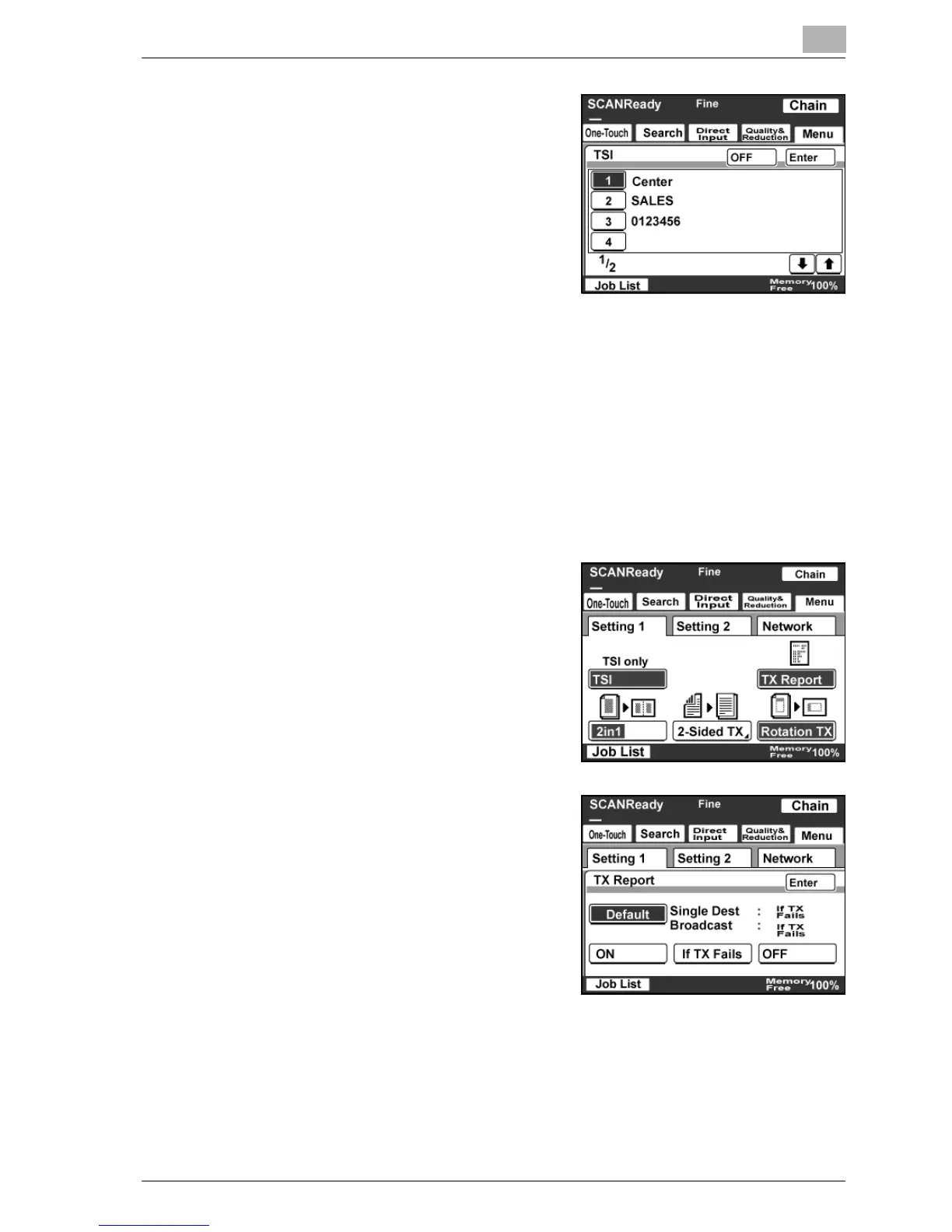
5 Select the name of the transmission
source, and then touch [Enter].
– Touch [OFF] to cancel the
setting.
Specifying the transmission report printing conditions
You can specify the conditions for printing a transmission report (TX Report).
The printing conditions for a transmission report are preset with the Report
Settings parameters from the Administrator Management screen. Select the
appropriate printing condition.
1 Touch [Menu].
– If the optional fax kit has been installed, touch [FAX Menu].
2 Touch [Setting 1], then [TX Report].
– If the optional fax kit has been
installed, touch [Set 1], then [TX
Report].
3 Check the printing conditions, and
then touch [Enter].



 To Next Page