10
Specifying management settings
10-48 VarioLink 2221/2821/3621
Specifying e-mail security functions (mode 380)
You can specify security functions when receiving and sending e-mail
messages.
Factory settings
Specifying settings
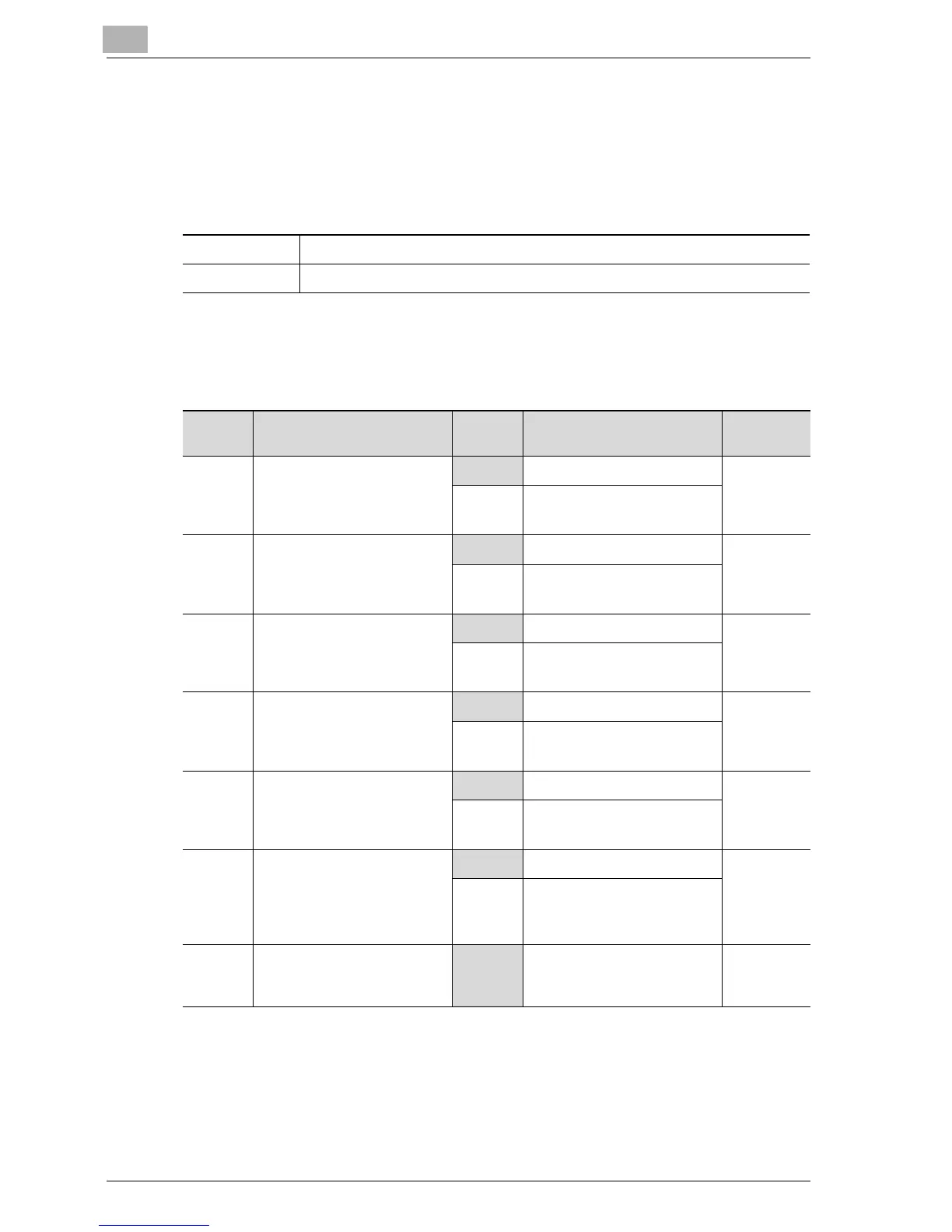
The shaded cells represent the factory settings. The page numbers on the
right refer to the descriptions of the corresponding functions.
(*1)
The SMTP authentication function is enabled when all of the conditions
described below have been met.
- Bit 6 of mode 380 is set to "1".
- The SMTP authentication user name & password and the POP3 user
name & password are being shared, and bit 2 of mode 380 is set to "0".
Bit 7 6 5 4 3 2 1 0
Setting 0 0 0 0 0 0 0 0 (HEX: 00)
Bit Description Status Description Page Ref-
erence
7 Specifies whether to enable
the e-mail reception authen-
tication (APOP authentica-
tion) function.
0 No ---------
1Yes
6 Specifies whether to enable
the e-mail transmission au-
thentication (SMTP authenti-
cation) function.(*1)
0No page3-19
page 3-25
1Yes
5 Specifies whether to prohibit
the e-mail transmission au-
thentication (CRAM-MD5
authentication) function.(*2)
0 Not prohibited ---------
1Prohibited
4 Specifies whether to prohibit
the e-mail transmission au-
thentication (LOGIN authen-
tication) function.(*2)
0 Not prohibited page 3-19
page 3-25
1Prohibited
3 Specifies whether to prohibit
the e-mail transmission au-
thentication (PLAIN authen-
tication) function.(*2)
0 Not prohibited ---------
1Prohibited
2 Specifies whether to enable
sharing of the SMTP authen-
tication ID & password with
the POP3 user name & pass-
word.
0 ID and password shared ---------
1 ID and password not shared
1, 0 -----------------------------
00 *Do not change these bits
when specifying settings for
this function.
---------



 To Next Page