3
Setup
3-42 VarioLink 2221/2821/3621
Divide Settings
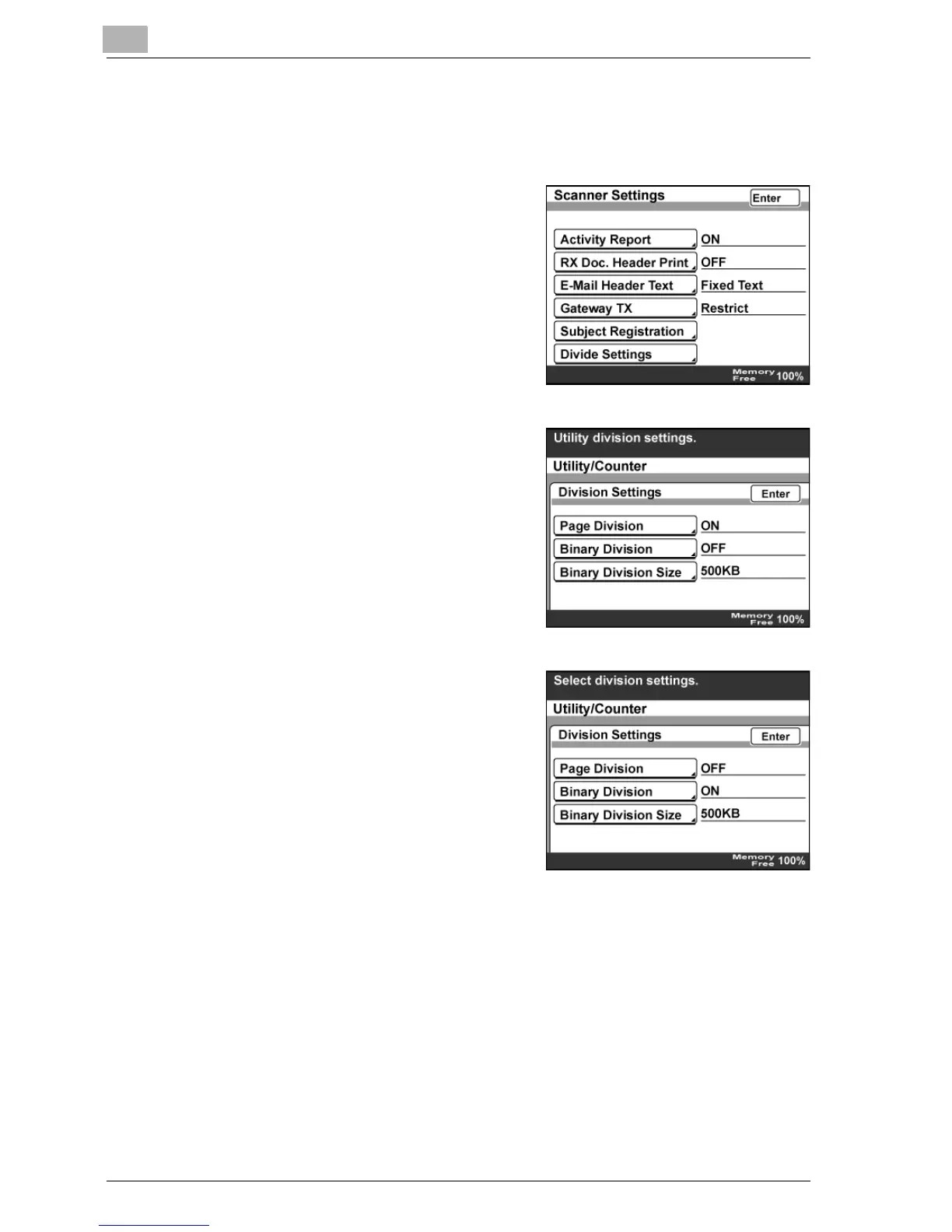
1 In the Network Setting screen, touch [Scanner Settings].
2 Touch [Divide Settings].
3 Select "ON" or "OFF" for Page
Division and Binary Division.
4 If "Binary Division" is set to "ON",
touch [Binary Division Size].



 To Next Page